image | Google Gemini
Studio
Professional AI photography studio with camera lab, pose library, 3D camera angles, background editor, makeup artist, fashion designer, real-world locations, and product placement. Powered by Gemini 3 Pro, up to 4K resolution.
image
Gemini 3 Pro Image Fixed
Google Gemini
Studio is a professional AI photography workspace powered by Gemini 3 Pro with output up to 4K resolution. Select your character to load their reference photos, then build your shot using tag-based sections that each control a different aspect of the image.
Camera Lab lets you pick a real camera body, lens, focal length, aperture, and lighting style — or choose a pre-built combo pack. Switch between Photo and Video mode for equipment optimized to each format. Pose Library offers named poses organized by body focus — full body, upper body, portrait, close-up — with refinements for fine-tuning. Camera Angle gives you 12 presets (front, 3/4 left, over-shoulder, bird's eye, worm's eye) or full manual control with azimuth, elevation, and distance sliders on a 3D globe.
Background covers solid colors, gradients, studio seamless, textured surfaces, indoor and outdoor scenes, and chroma key — with mood controls for blur, vignette, grain, and light direction. Makeup Artist has 12+ editable zones (foundation, contour, eyeshadow, lips, brows) with per-zone color, intensity, and finish selectors like matte, dewy, metallic, or shimmer. Fashion Designer lets you compose an outfit by garment — top, bottom, outerwear, shoes, accessories — each with style, color, and material.
Location pulls real-world places from Google Maps with Street View reference photos, compass direction, and scene radius from 5 meters (tight portrait) to 100 meters (panoramic). Product Placement scrapes any product URL to extract images and descriptions, placing real products into your scene.
All sections feed into an assembled prompt you can preview before generating. The tool supports up to 14 reference images per generation, and every setting is saved as structured metadata for easy duplication in future shots.
Camera Lab lets you pick a real camera body, lens, focal length, aperture, and lighting style — or choose a pre-built combo pack. Switch between Photo and Video mode for equipment optimized to each format. Pose Library offers named poses organized by body focus — full body, upper body, portrait, close-up — with refinements for fine-tuning. Camera Angle gives you 12 presets (front, 3/4 left, over-shoulder, bird's eye, worm's eye) or full manual control with azimuth, elevation, and distance sliders on a 3D globe.
Background covers solid colors, gradients, studio seamless, textured surfaces, indoor and outdoor scenes, and chroma key — with mood controls for blur, vignette, grain, and light direction. Makeup Artist has 12+ editable zones (foundation, contour, eyeshadow, lips, brows) with per-zone color, intensity, and finish selectors like matte, dewy, metallic, or shimmer. Fashion Designer lets you compose an outfit by garment — top, bottom, outerwear, shoes, accessories — each with style, color, and material.
Location pulls real-world places from Google Maps with Street View reference photos, compass direction, and scene radius from 5 meters (tight portrait) to 100 meters (panoramic). Product Placement scrapes any product URL to extract images and descriptions, placing real products into your scene.
All sections feed into an assembled prompt you can preview before generating. The tool supports up to 14 reference images per generation, and every setting is saved as structured metadata for easy duplication in future shots.
Best results
Camera Equipment Matters
Select real camera bodies, lenses, focal lengths, and apertures from the Camera Lab. The AI simulates authentic depth of field, bokeh, compression, and lens characteristics based on your equipment choices.
Lighting Sets the Mood
Pair your camera setup with a lighting style. Rembrandt for dramatic portraits, Butterfly for beauty, High-Key for fashion, Low-Key for noir. The lighting selection dramatically changes the result.
Use Preset Packs
Start with a Preset Pack (Portrait Master, Landscape Sharp, etc.) for proven pro combinations, then customize individual settings. Each pack is a real photographer's go-to setup.
Describe the Scene
Your prompt describes WHAT to shoot. The Camera Lab defines HOW it's shot. Write a rich description of the subject, action, and environment — the camera settings handle the photographic look.
Reference Images
Upload up to 5 character refs and 6 object refs. Use @tags to reference them in your prompt. Character refs lock identity; object refs lock design fidelity.
Fashion Widget
Use the Fashion Widget to dress your subject. Select garment types, colors, fabrics, and style — the outfit is automatically described in the prompt.
Pose Library
Browse 140+ model poses across Still, Motion, Sit Down, and Lay Down categories. Refine with expression, hand placement, angle, posture, and energy level.
Resolution vs Cost
1K is great for iterations and testing. 2K for social media and web. 4K for prints, magazines, and maximum detail. Higher resolution = higher cost per image.
Gallery
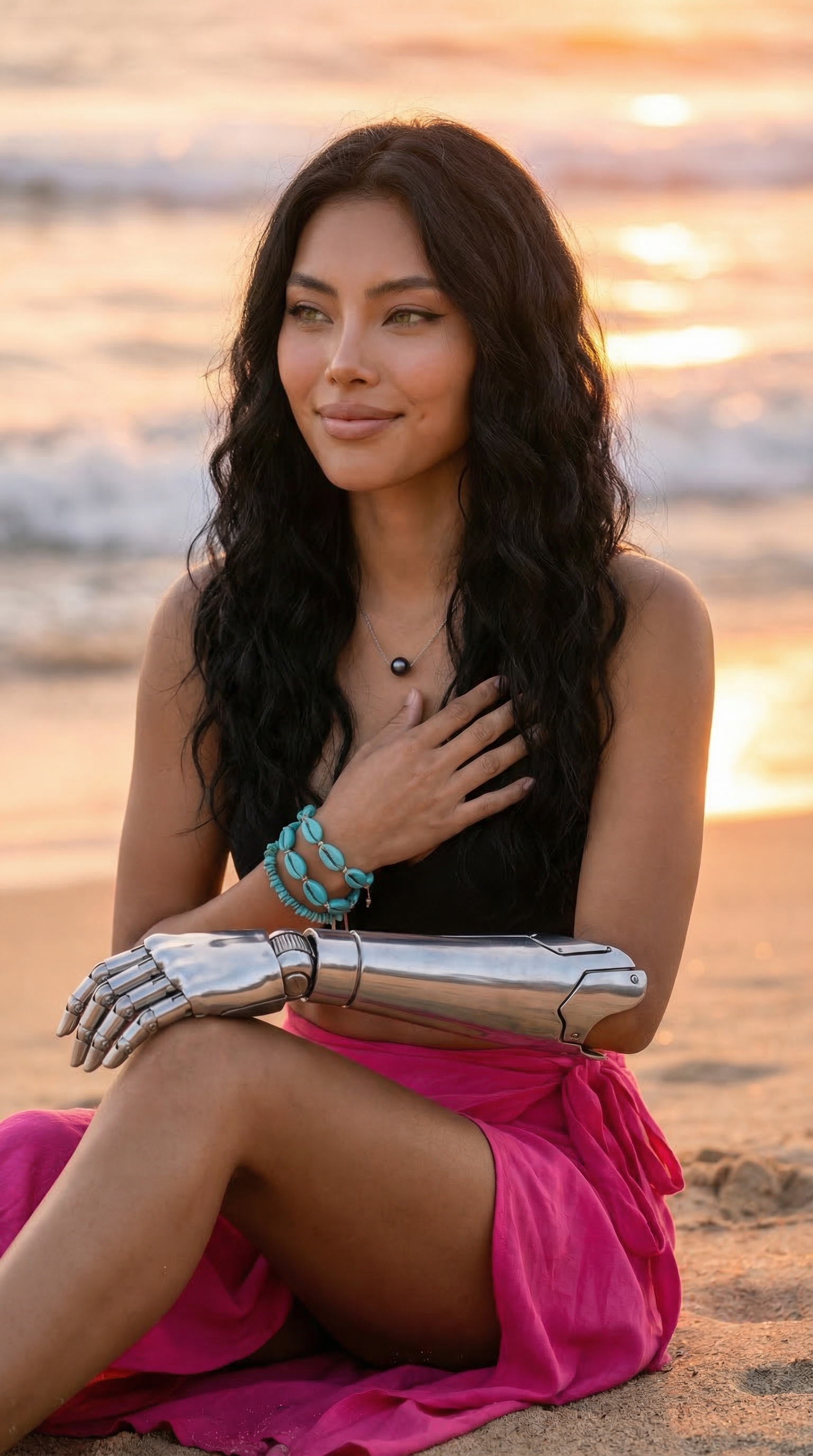
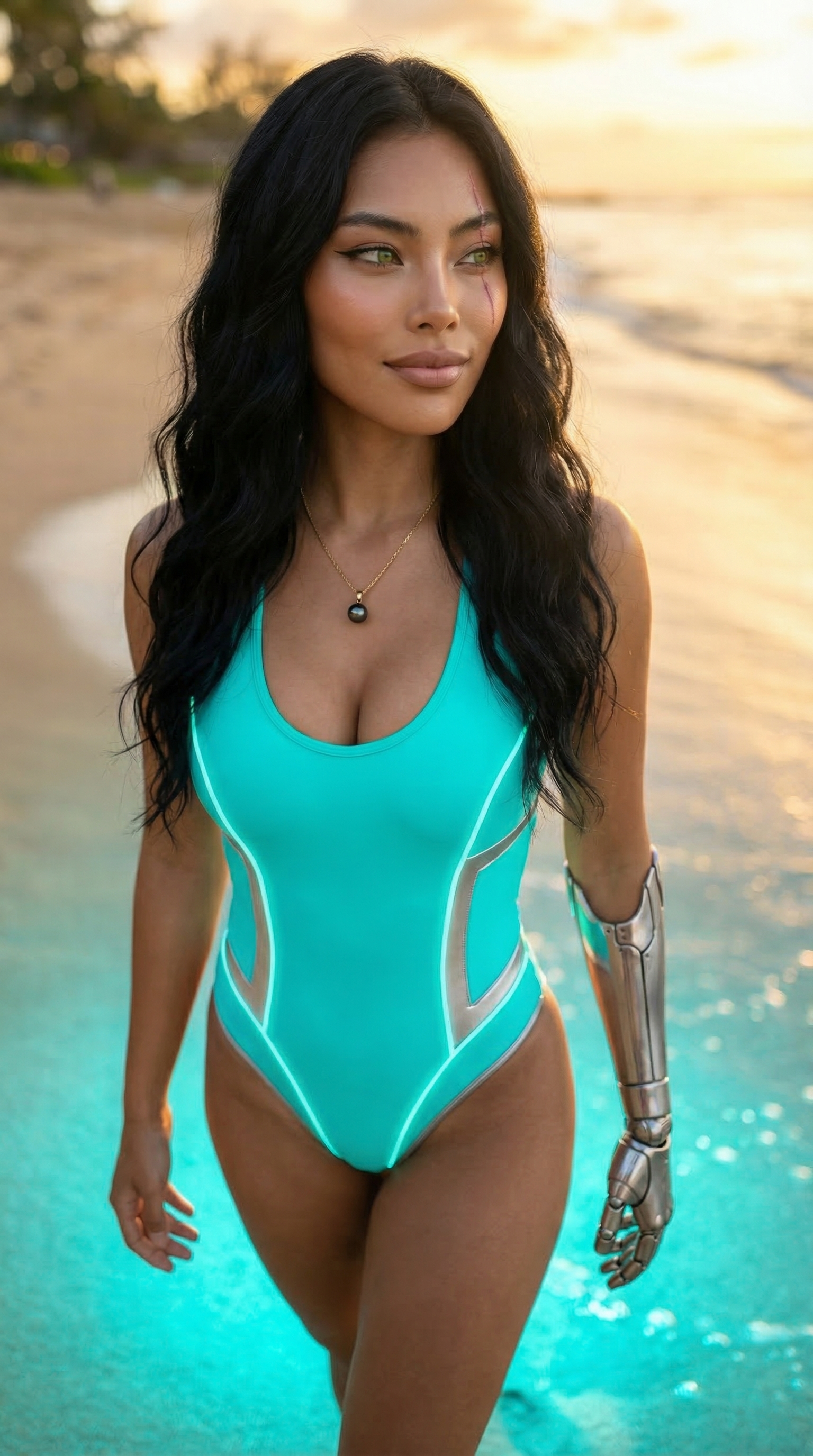
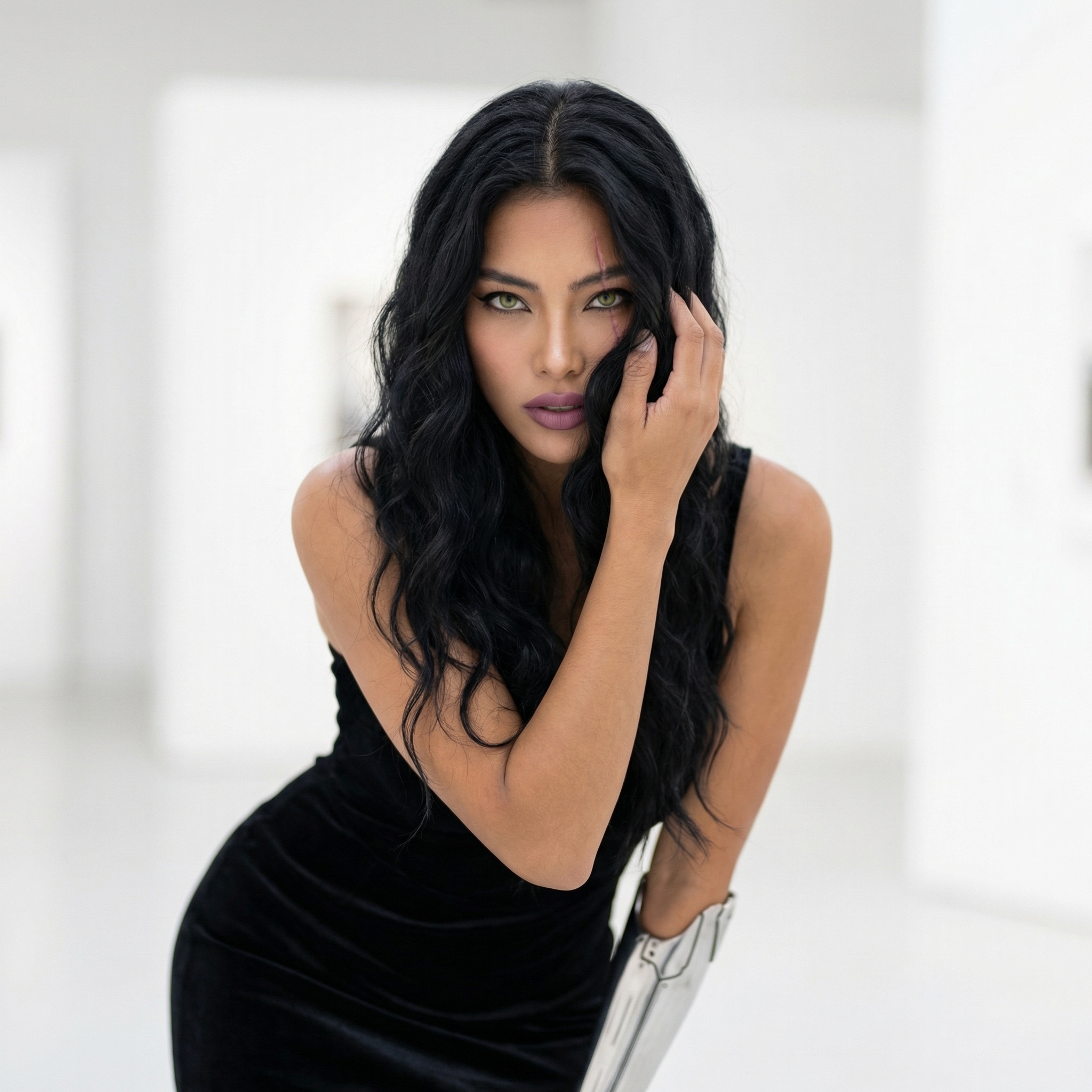
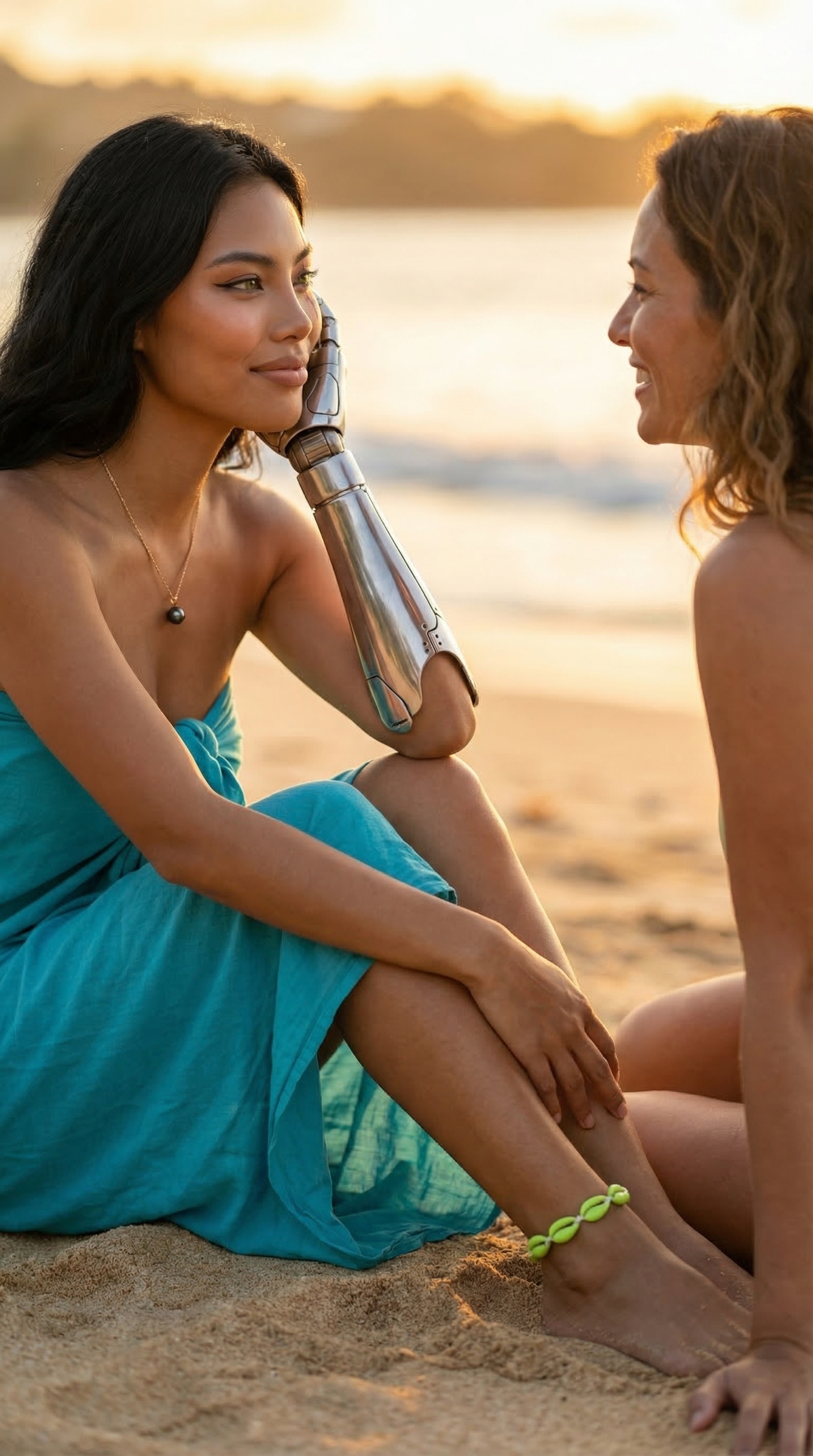
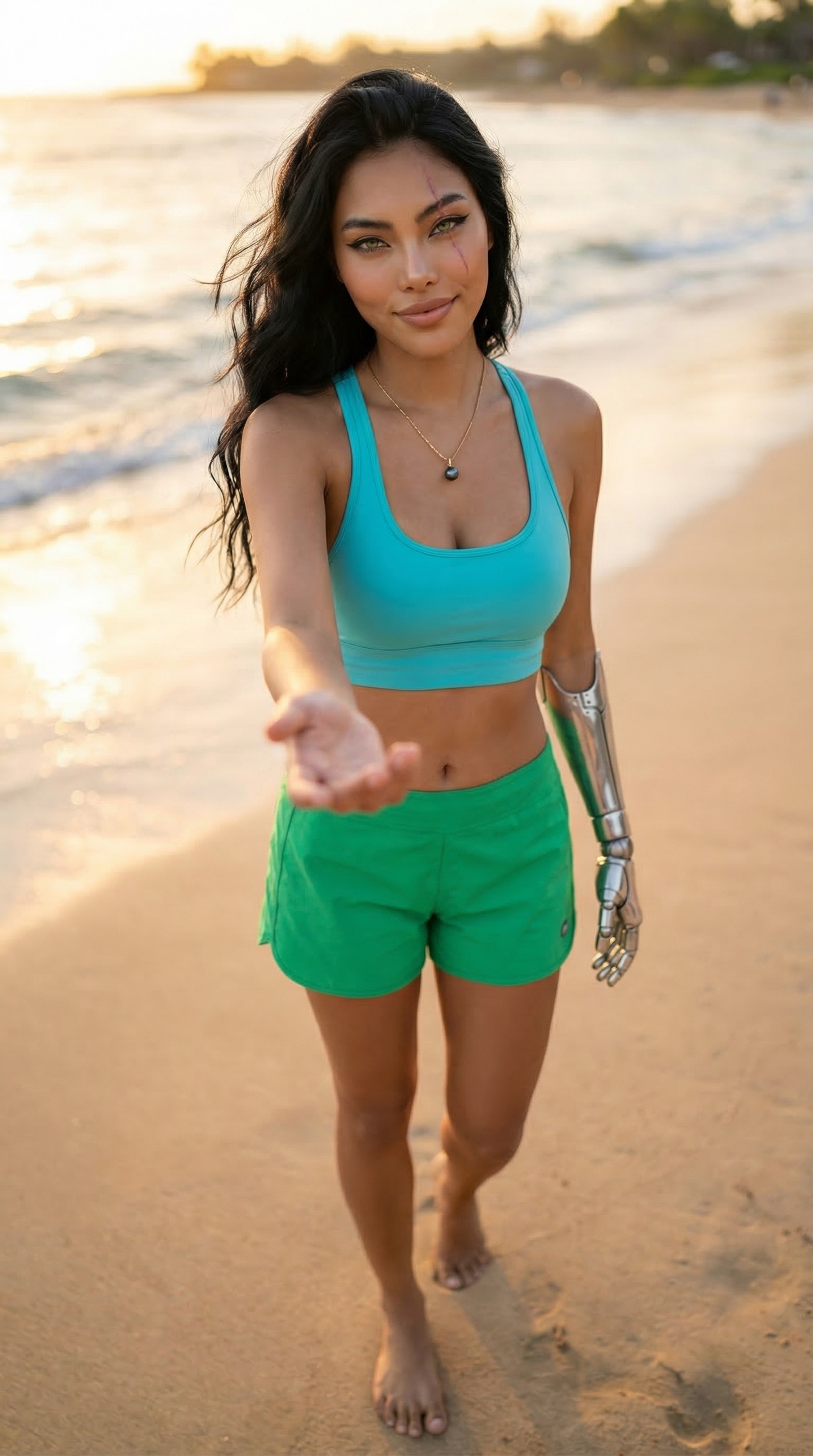
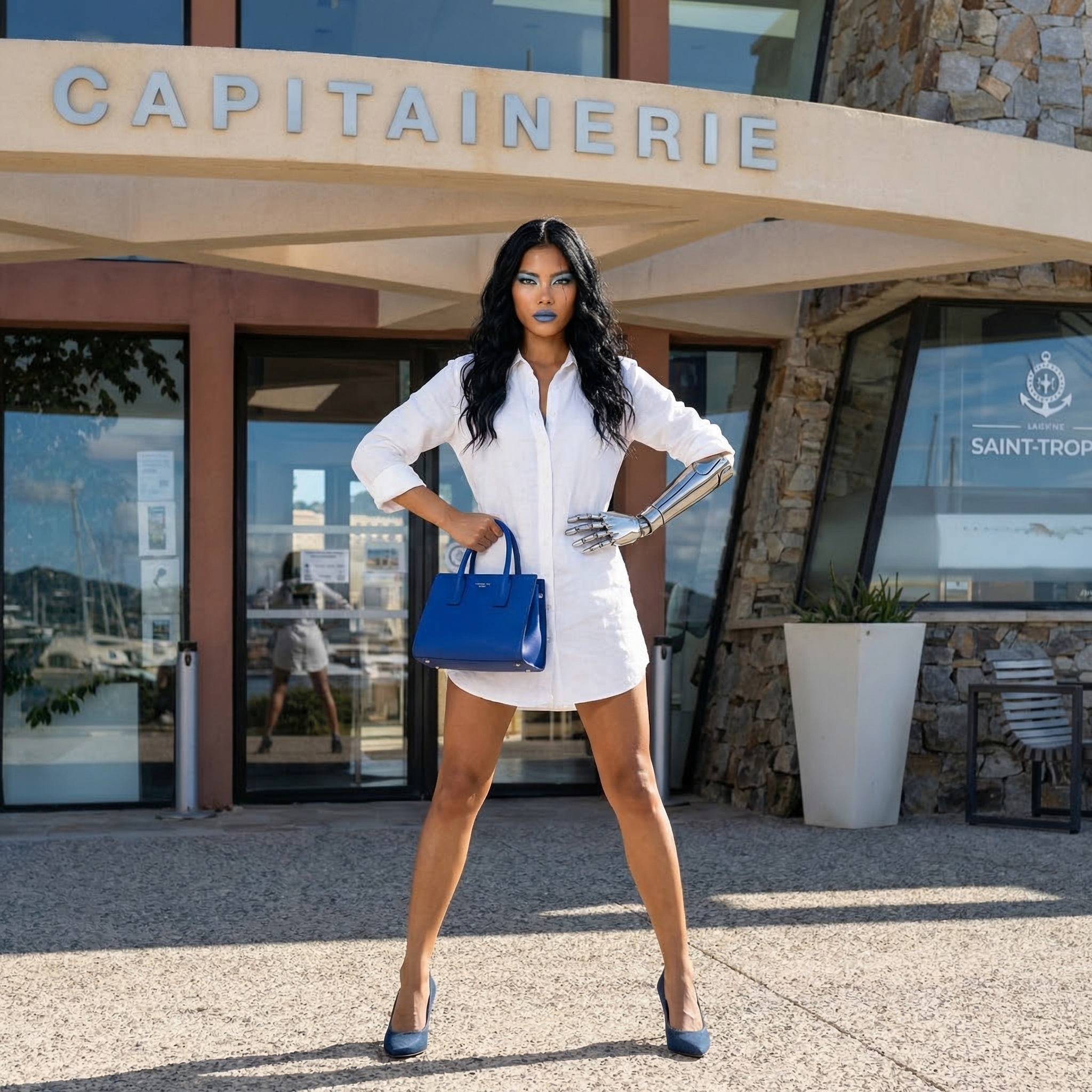
Guides
Studio
🖼️
Image
Studio — Technical Guide
Professional AI photography studio with camera lab, pose library, 3D camera angles, background editor, makeup artist, fashion designer, real-world locations, and product placement. Powered by Gemini 3 Pro, up to 4K resolution.