135mm in a Flower Garden: A Tele-Compressed Fashion Portrait
I wanted dramatic telephoto compression, dreamy bokeh blooms, and a clean fashion editorial mood. Here's what Studio built — and what it cost.
I had a specific image in my head: that classic fashion editorial look where the background dissolves completely and the subject floats against a wash of color. The kind of shot that feels expensive — not because of the clothes or the location, but because of the glass. A long lens doing its thing.
So I opened Studio and built it from the form. No prompt-writing needed upfront. Here's how that went.
How Studio actually works
Studio is form-first. You don't open a blank text box and start writing — you pick from menus: Camera Lab for your equipment setup, Pose Library for body position, Camera Angle for your framing, Background for the scene, Makeup, Fashion, Location. Each pick adds structured information to your shot. When you're done selecting, Studio assembles a complete prompt from all those choices and hands it to the model. You can read it, edit it, tweak a word — but most users never need to touch it. The form does the writing. You do the creative directing.
What I picked from Studio
135mm (TELE)
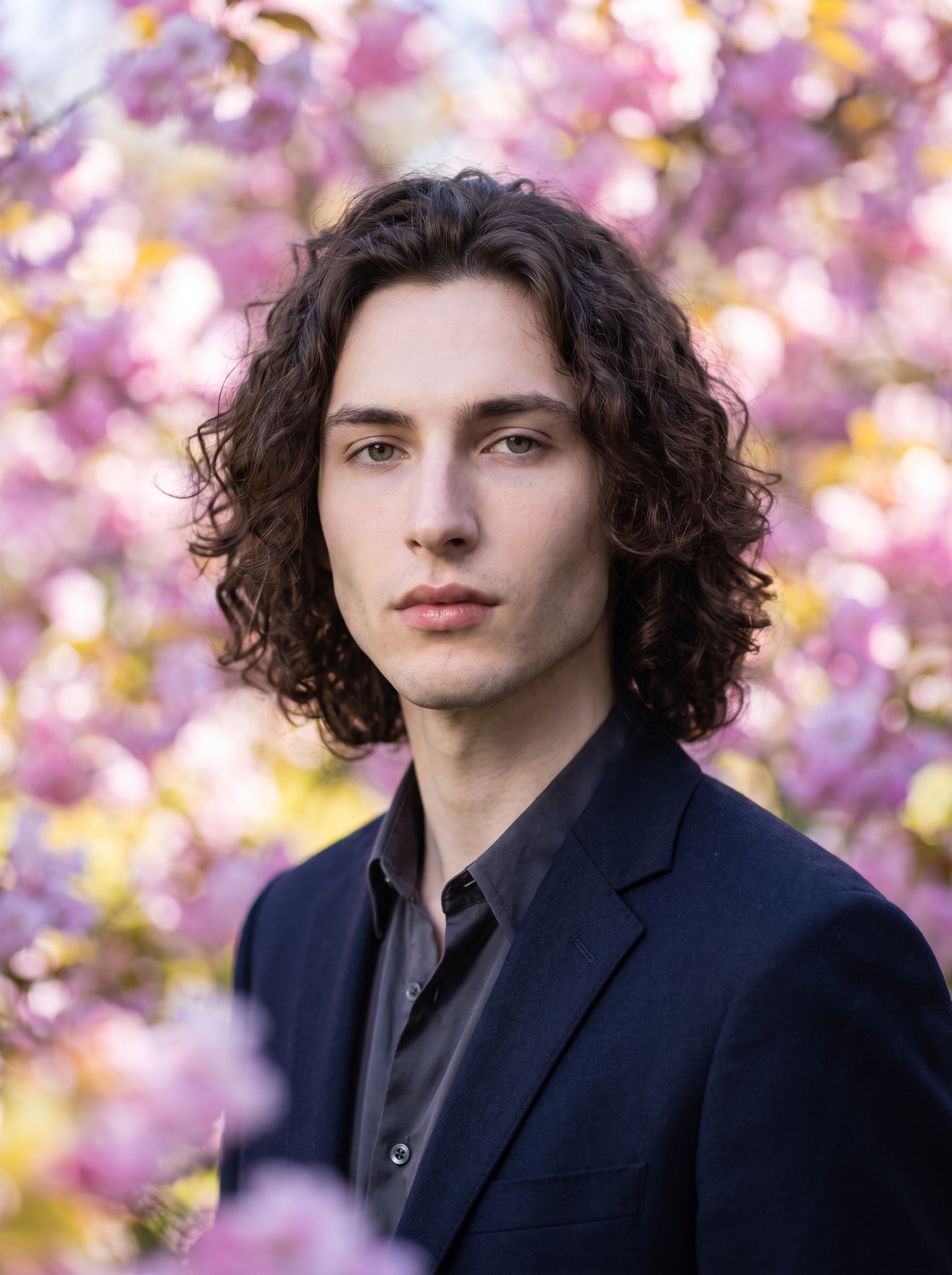
This is the centerpiece of the whole shot. The catalog describes it as "Tele portrait; strong isolation. Style: dramatic bokeh, fashion compression" — and that compression is the point. At 135mm, depth of field collapses. Anything behind the subject turns to paint. The Camera Lab tip applies directly here: Camera Equipment Matters — the AI simulates authentic depth of field and lens characteristics based on what you pick, not just a vague "blurry background" instruction. Choosing 135mm is the difference between a sharp editorial image and an environmental portrait. I wanted editorial.
Flower Garden (Background)
The background catalog entry reads: "with colorful flower garden bokeh background, soft spring light" — which pairs almost too perfectly with a 135mm lens. The flowers don't read as flowers at 135mm. They become abstract shapes — pink, violet, yellow — smeared into soft spring light. That's exactly what I wanted. A background that earns its place without competing with the subject. The two picks work together: the lens kills the sharpness, the background supplies the color.
For lighting I added Butterfly — a beauty setup that sculpts the jaw cleanly from above. Cool-toned, structured. It keeps the fashion editorial mood instead of letting the warm bokeh flowers push the image into something softer and more romantic.
Worth knowing: I picked myself as the character before generating. When you select a character in Studio, it auto-loads their saved reference photos and locks identity into the shot — face, body, skin tone, the whole thing. That's why the result looks like me rather than a generic young man. If you're building your own AI characters on ArtCoreAI, this is the feature that makes your shoots consistent across sessions. Select your character, load their refs, generate.
The assembled prompt
This is what the form composed for me — you don't have to write any of this yourself unless you want to.
A tall young man with long dark curly hair, green eyes, and porcelain skin stands in a relaxed but confident pose, chin slightly tilted down, gaze direct at the lens. Shot at 135mm — the telephoto compression flattens the depth dramatically, isolating him against an explosion of soft bokeh flower petals in pink, violet, and yellow. The background dissolves into dreamy spring light, every bloom a painterly blur. Butterfly lighting, cool-toned, sculpts his angular jaw cleanly. Fashion editorial mood — structured, intimate, cinematic.What I noticed
The compression worked exactly as expected. The flower garden behind me turned into exactly the kind of soft abstract wash I was after — pink and violet shapes, no sharp edges anywhere. The 135mm pick did the heavy lifting.
The Butterfly lighting held the cool tone well. In spring-light scenes there's a risk the warm background bleeds into the subject. It didn't here. The cool-toned Butterfly setup kept my jaw and cheekbones reading as clean and structured rather than golden-hour soft. The separation was there.
If I ran it again: I'd try shifting the camera angle to a slight low elevation — worm's eye or just a few degrees up — to push the fashion compression even harder. The current angle is straight-on, which works, but a low angle on a 135mm in a flower garden would be something else.
What it cost
- Credits spent: 2.70
- What you'd pay: $0.27
- Generation time: ~26s
For a 3:4 fashion portrait at this quality, that's the kind of number that makes it very easy to run multiple variations.
If you want to try this yourself: open Studio, pick your character, set the focal length to 135mm, drop Flower Garden in the Background section, add Butterfly lighting, and hit generate. The form builds the rest. You don't need to write a word.
— David
See what others are making

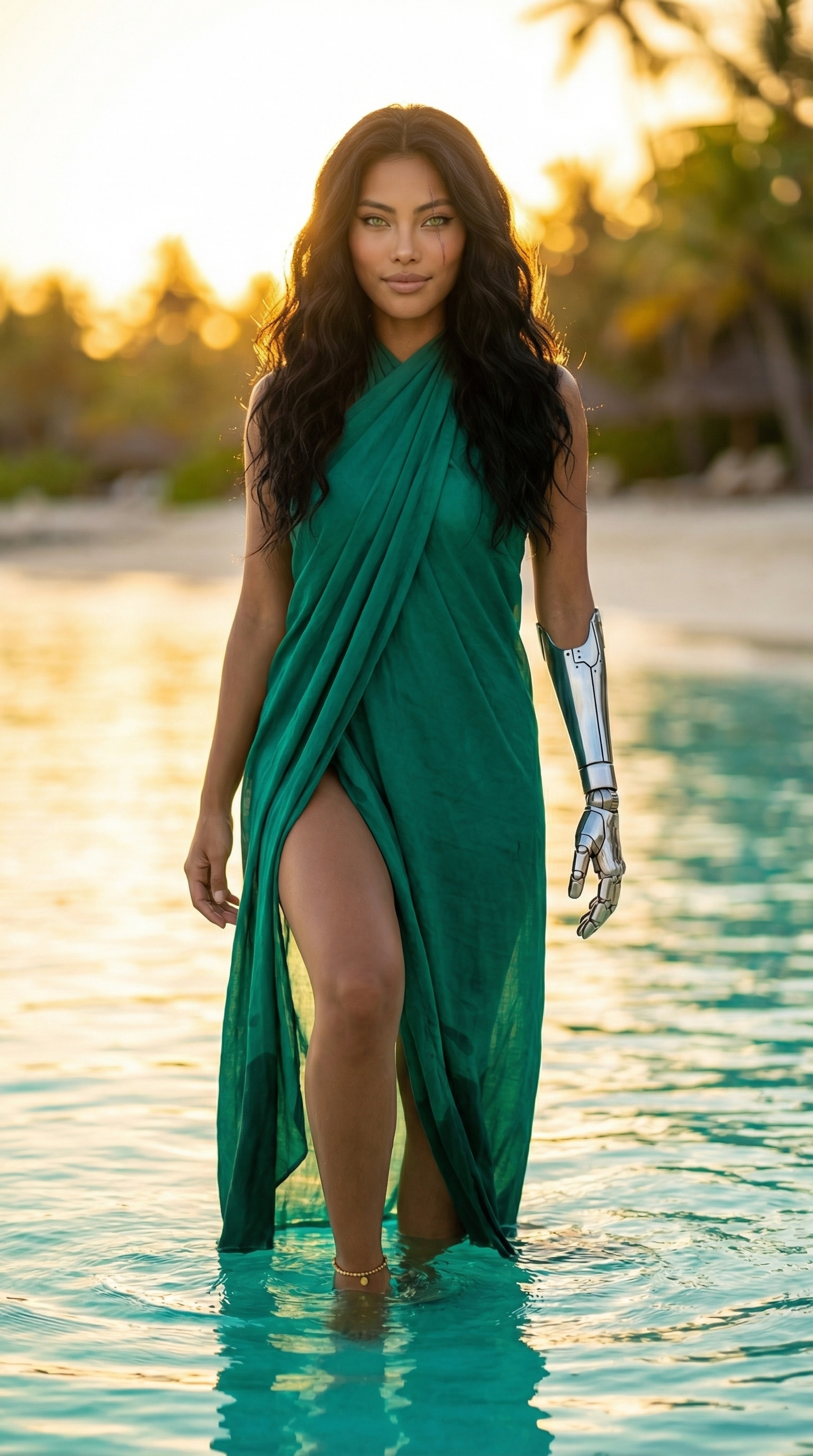
Each image links to the character's profile. The Studio — Technical Guide has the full showcase plus deeper documentation on every component.