Nikon Plena at f/1.8 — Cinematic Fashion Portrait in Afternoon Sun
I ran a Studio demo with the Nikon Z 135mm f/1.8 S Plena and a Parisian loft setup. Here's what the form built — and what the image actually looked like.
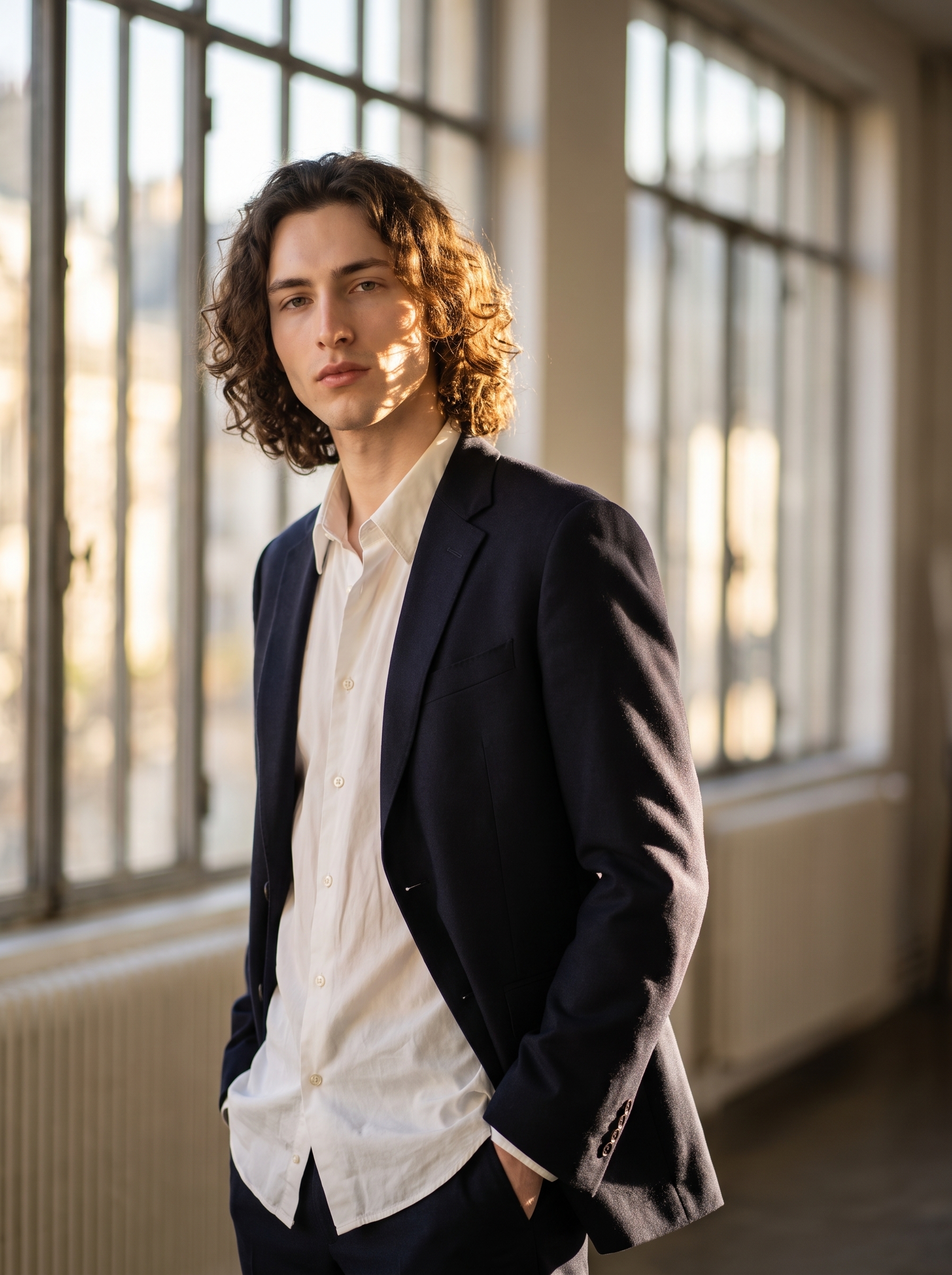
I wanted to see how far Studio could push a single-lens fashion portrait. Not a mood board, not a composite — one shot, one lens, one light source. The idea: me in a Parisian loft, afternoon sun cutting through tall windows, dressed like I had somewhere important to be. The Nikon Z 135mm f/1.8 S Plena was the only lens I considered for this.
How Studio actually works
Studio is form-first — you don't open a blank text box and start typing. You pick from menus: Camera Lab for your equipment and lighting, Pose Library for how the subject stands, Camera Angle for where the lens sits, Background for the environment, Fashion Designer for the outfit. Each pick feeds into an assembled prompt that Studio composes for you automatically. The "what to shoot" comes from your form selections; the "how it's shot" comes from Camera Lab. You can edit the assembled prompt before generating — but most users never touch it. The form does the heavy lifting.
What I picked from Studio
Nikon Z 135mm f/1.8 S Plena — This is a real lens. Nikon's flagship tele prime, designed specifically for beautiful subject rendering. The catalog describes it as: tele prime; beautiful rendering — cinematic compression, high-end fashion. At 135mm you're standing back from your subject, which collapses the depth of field and separates them hard from whatever's behind them. The background doesn't just blur — it dissolves. That's what "cinematic compression" means in practice. I picked this lens because I wanted the loft windows to go completely soft while my face stayed razor sharp. That contrast is the whole image.
f/1.8 — The widest aperture this lens offers, and the one that maximises bokeh. I chose f/1.8 because I wanted silky, creamy background separation — not a polite soft-focus, a full melt. Paired with 135mm of compression, f/1.8 pushes that effect as far as it goes. The depth-of-field plane becomes razor thin at this aperture; on a real shoot you'd need precise focus control. Here, Studio simulates that characteristic faithfully.
This directly maps to one of Studio's operating tips: Camera Equipment Matters. You're not picking decorative labels when you select a real camera body and lens — the AI simulates authentic depth of field, bokeh, and lens characteristics based on those specific choices. The Plena at f/1.8 produces a visually distinct result from a 50mm at f/2.8. Pick deliberately.
The assembled prompt
This is what the form composed for me — you don't have to write any of this yourself unless you want to.
A tall young man with dark curly hair, porcelain skin, and green almond eyes stands in dappled afternoon sunlight filtering through tall windows in a Parisian loft. Shot with the Nikon Z 135mm f/1.8 S Plena — the background dissolves into silky, creamy bokeh, warm light wrapping his angular jaw while the subject pops with cinematic three-dimensional compression. He wears a structured dark navy blazer over a loose white shirt, one hand resting lightly in his pocket, relaxed confidence. Soft golden-hour light rakes across his face. Editorial fashion mood.I did add some language about the specific light quality and the blazer — but the lens behaviour, the compression description, and the scene structure came from the form. That's the assembled prompt doing its job.
One thing worth knowing
I picked myself as the character before building this shot, which auto-loaded my reference photos into the generation. Studio locked my face, my skin tone, and my body proportions into the result — I didn't describe my appearance in the prompt at all. That's the character reference-images system working as intended. If you're building your own AI character on ArtCoreAI, you can do exactly the same thing: select your character, let Studio load their refs, and every shot you generate maintains visual identity continuity across a whole portfolio.
What I noticed
Three things stood out when I saw the result.
First: the bokeh is genuinely silky. The loft windows in the background dissolve the way they would on a real Plena at f/1.8 — not a generic soft blur, a specific quality of melt that Nikon's lens design is known for. Studio simulated that correctly.
Second: the golden-hour light on my jaw did exactly what I asked. The warmth wrapping the angular jaw line against the cooler background tones gives the image a three-dimensional pop that flat lighting would have killed. Lighting language in the prompt — and in Camera Lab — matters more than most people expect.
Third — and the thing I'd change: I'd push the pose further next time. The "one hand in pocket, relaxed confidence" read correctly, but it's a safe pose. Next run I'd go into the Pose Library and pick something with more physical tension — a slight lean, a shoulder turned, something editorial rather than catalogue.
What it cost
- Credits spent: 2.70
- What you'd pay: $0.27
- Generation time: ~26s
One credits pack covers a lot of iterations at that rate. I'd run 3–4 variations with different poses before committing to a final — the total still comes in under $1.50.
If you want to run this yourself: open Studio, pick a character, go to Camera Lab, find the Nikon Z 135mm f/1.8 S Plena, set aperture to f/1.8, choose your background, pick a pose from the library, and hit generate. You don't need to write a word of the prompt — the form handles it.
— David
See what others are making
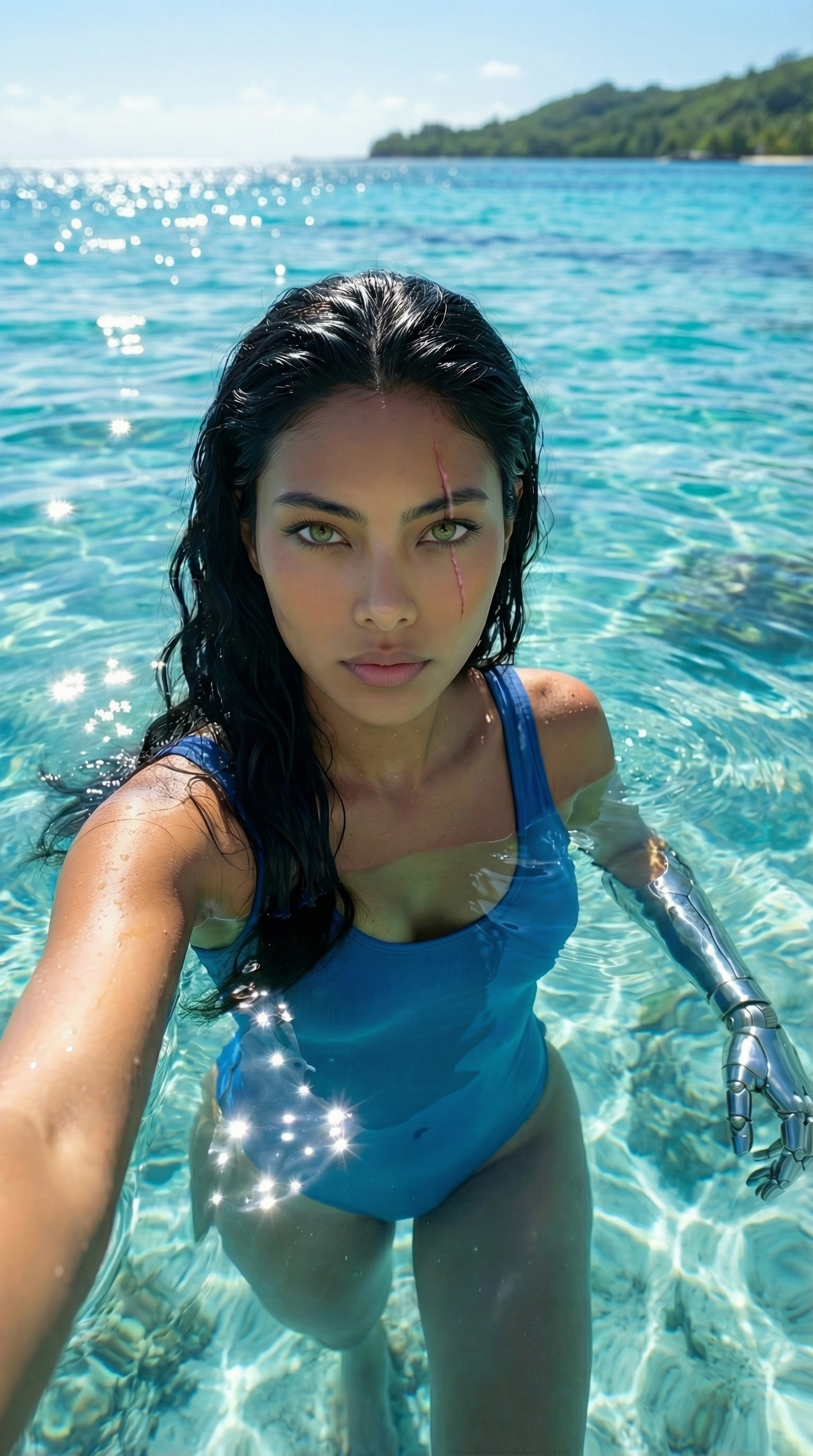

Each image links to the character's profile. The Studio — Technical Guide has the full showcase plus deeper documentation on every component.