Smart Casual Friday: A Parisian Café Terrace Shot Built in Studio
I wanted a relaxed late-morning shot at a Parisian café — navy polo, golden bokeh, warm side-light. Here's exactly how I built it in Studio.
I wanted a Friday-morning shot. Not editorial, not fashion-campaign serious — just that specific Parisian feeling where you're sitting at a bistro terrace with a coffee, the light is doing something golden through the plane trees, and you look like you actually belong there.
The angle: Smart Casual Friday at a Sunlit Parisian Café Terrace. A simple idea. The interesting part was seeing how much of it Studio could handle from the form alone — without me writing a single line of prompt from scratch.
How Studio actually works
Studio is form-first — that's the thing most people miss on their first visit. You don't open a blank text box and start describing a shot. You pick: camera body, lens, aperture, lighting style, pose, camera angle, background, outfit, makeup if you want it, location if you want it. Each section is its own set of named options. Once you've made your picks, Studio assembles the prompt for you. The "what to shoot" lives in the form; the "how it's shot" lives in Camera Lab. You can edit the assembled prompt before hitting generate — but most users never need to.
What I picked from Studio
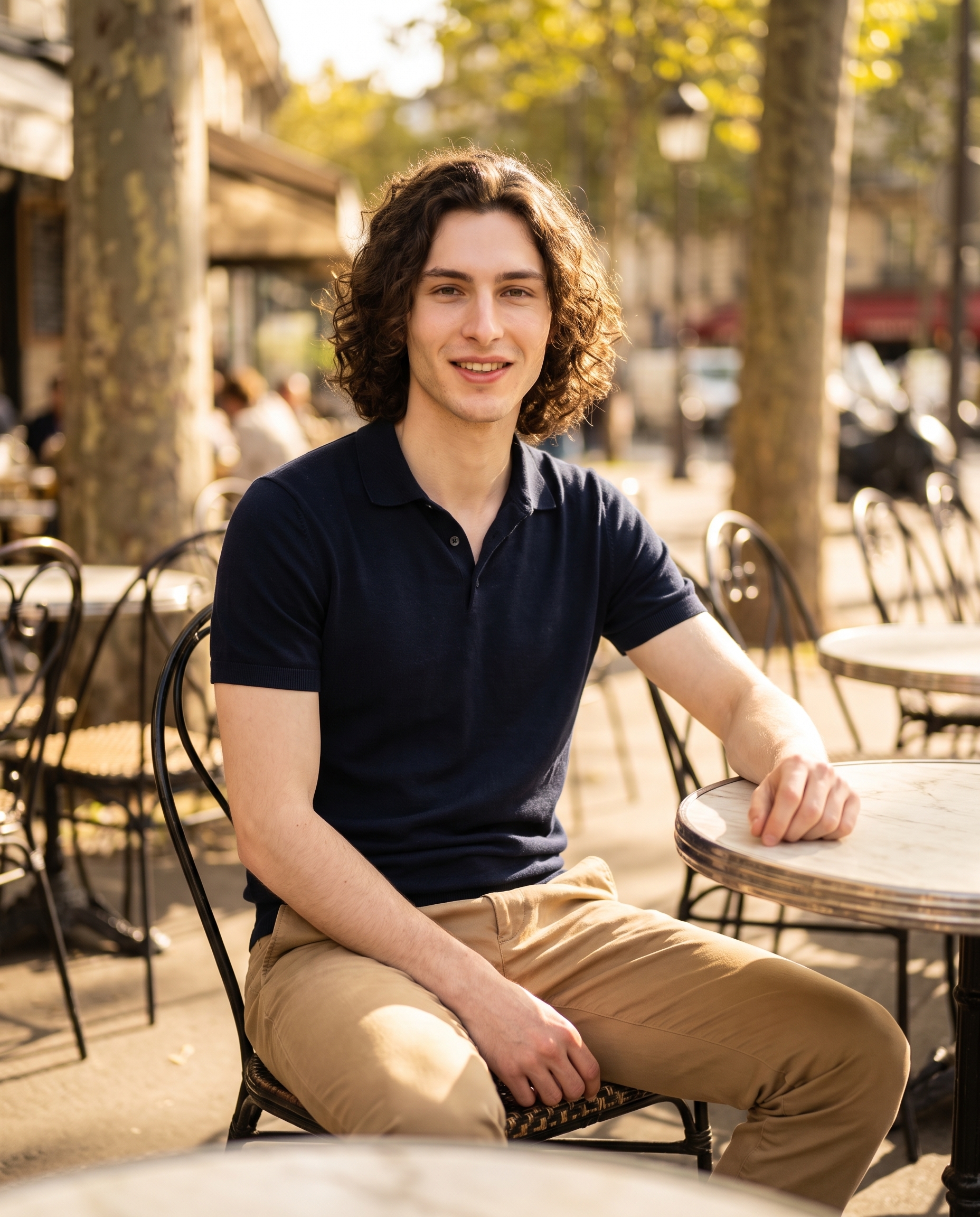
Smart Casual Friday — This is one of Studio's Fashion Designer presets. The catalog describes it as "Polished but relaxed: navy polo with tan chinos" — which is exactly the register I wanted. Not a suit, not a hoodie. The kind of outfit that reads as intentional without trying hard. The navy polo ended up catching the warm late-morning light in a way that felt genuinely textural in the result, not flat.
f/1.8 — I picked this aperture from Camera Lab. A wide-open f/1.8 is a classic portrait aperture: shallow depth of field, subject pulled sharply into focus while the background loses definition. The operating tip I keep coming back to is Camera Equipment Matters — the AI simulates real optical behavior based on your selection. At f/1.8, Studio rendered exactly the bokeh I was after: the wrought-iron chairs and plane trees behind me dissolving into a soft golden blur rather than competing with the subject. That's not a filter applied after the fact. It's baked into how the shot is composed from the start.
For lighting, I paired the aperture with Rembrandt — the tip here is Lighting Sets the Mood. Rembrandt side-light sculpts faces with a small triangle of light on the shadow side. It's dramatic without being dark, which suited the warm late-morning café context better than a flat beauty light would have.
Worth knowing while you're in there: I also used Studio's character reference system. I selected myself as the character, which auto-loaded my reference photos and locked my identity — face, curly dark hair, porcelain skin, the whole thing — into the generation. If you're building your own AI character on ArtCoreAI, this is how you get consistent identity across every shoot. Select your character, Studio loads the refs, you don't have to re-describe yourself in every prompt.
What the form composed
This is what Studio assembled from my picks — I made small edits to the scene description, but the structure came from the form. You don't have to write any of this yourself unless you want to.
A tall young man with dark curly hair and porcelain skin sits relaxed at a sunlit Parisian café terrace, wearing a navy polo and tan chinos — the fabric catching warm late-morning light. Shot at f/1.8, the background melts into a soft golden bokeh of wrought-iron chairs and plane trees. The subject leans slightly forward, one arm resting on a marble bistro table, expression easy and confident. Warm Rembrandt side-light sculpts his face. Street scene depth behind him, shallow focus pulling full attention to the figure.What I noticed in the result
Three things stood out:
The bokeh behaved. At f/1.8, I expected some blur in the background — I didn't expect it to be this coherent. The golden wash reads as a real Parisian street, not a generic soft background. Depth without noise.
The light landed on the fabric. The navy polo has visible texture in the result. The Rembrandt setup caught the fabric weave on the lit side, which gave the outfit weight. It didn't look painted on.
The pose reads as relaxed, not posed. One arm on the bistro table, leaning slightly forward — it's a small thing, but it makes the difference between "model sitting at a table" and "person who is actually at a café." That came from the Pose Library selection, not from me describing it in the prompt.
If I ran this again, I'd push the scene radius out slightly and try Studio's Location component with an actual Google Maps reference — a specific terrace on Rue de Rivoli, say, with Street View imagery feeding the background. The current result is excellent; a real location reference would make it exact.
What it cost
- Credits spent: 2.70
- What you'd pay: $0.27
- Generation time: ~25 seconds
I ran this at 4:5 aspect ratio — standard for Instagram. If you're iterating on a concept, drop to 1K resolution first: the cost per image is lower and the compositional feedback is the same. Move to 4K when you've locked the shot.
If you want to try this yourself — pick a lighting setup, pick a camera body, select an outfit from Fashion Designer, hit generate — Studio is right here. The form does the heavy lifting. You just make the creative calls.
— David
See what others are making
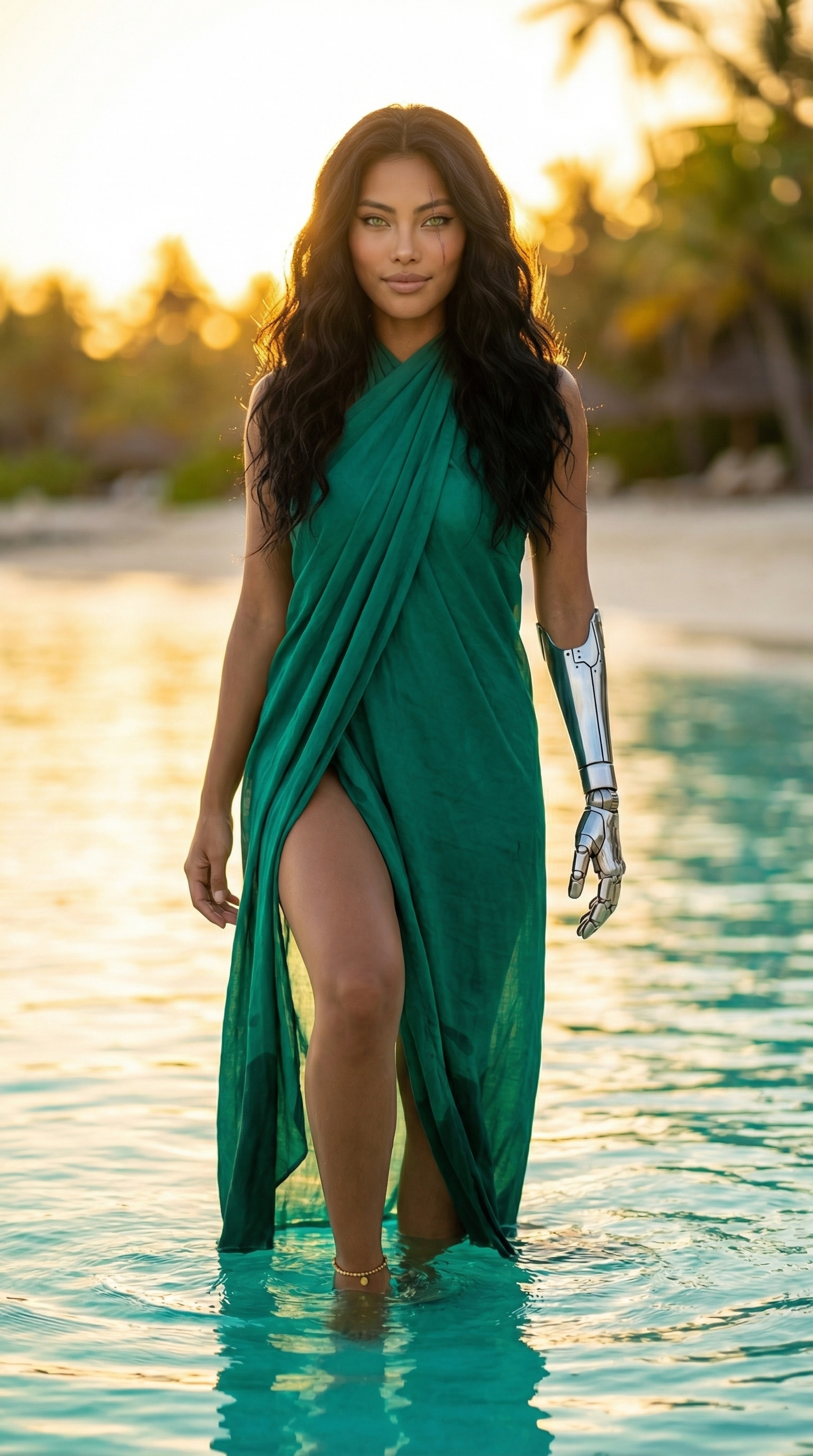

Each image links to the character's profile. The Studio — Technical Guide has the full showcase plus deeper documentation on every component.