Canon 85mm f/1.2 + Chin Rest Hand: A Studio Editorial Demo
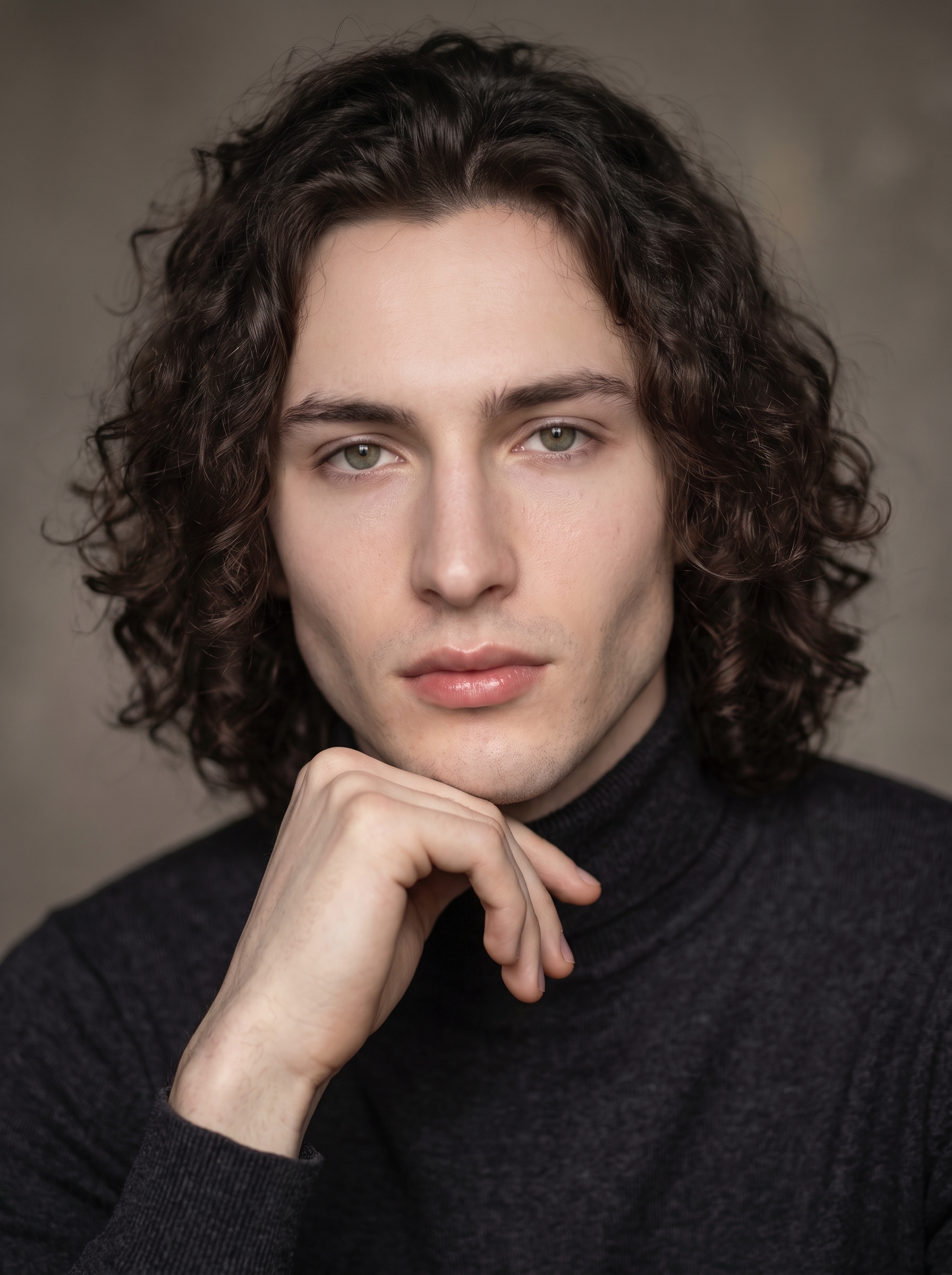
I ran a Studio demo on myself — one lens, one pose, classic Rembrandt light. Here's what the form built and what $0.27 got me.
I wanted to make a portrait that felt unhurried.
Not a hero shot. Not a "look what AI can do" flex. Just a photograph — the kind that sits quietly on a magazine spread and doesn't need a caption to explain itself. One light source, one prime lens, one pose. The edit done in-camera, not in post.
That's the brief I gave Studio today. Here's what came back.
How Studio actually works
Before I walk through my picks — a quick note for anyone who hasn't opened Studio yet.
You don't write a prompt. You pick from the form. Camera Lab, Pose Library, Camera Angle, Background, Makeup Artist, Fashion Designer, Location — each section is its own control panel, and as you make selections, Studio assembles a prompt for you behind the scenes. What you're deciding is what to shoot; Camera Lab decides how it's photographed. The assembled prompt is fully editable before you generate, but most users never need to touch it. The form does the work. You just make choices.
That's the whole model. Pick, preview, generate.
What I picked from Studio
Canon RF 85mm f/1.2 L USM
This is the lens I chose from Camera Lab. Studio's catalog describes it as a portrait prime — creamy bokeh, flattering compression, ideal for headshots and magazine work. I picked it because 85mm is the classic portrait focal length for a reason: it doesn't distort features the way a wider lens does, and wide open at f/1.2 it produces a background separation that's genuinely difficult to fake.
The operating tip here is Camera Equipment Matters. Studio actually simulates the optical characteristics of the lens you select — depth of field, bokeh quality, compression. You're not just labeling the shot "85mm." The AI uses that choice to determine how the image is rendered. If I'd picked a 35mm f/2.8, this would be a different photograph.
Chin Rest Hand
From the Pose Library, portrait category. The catalog entry: model resting chin lightly on the back of the hand, eyes looking directly at camera, upper body angled — classic thoughtful editorial close-up. I chose it because it's one of those poses that's been in the editorial lexicon for decades. It signals calm and presence without being stiff. Eyes forward, chin supported, nothing performed about it.
The mood tags on this one are thoughtful, editorial, classic — which matched exactly what I was after. The Pose Library organizes by body focus (full body, upper body, portrait, close-up), so finding it took about thirty seconds.
On lighting: I paired everything with Rembrandt from camera left. Lighting Sets the Mood is the tip worth repeating here — Rembrandt carves shadow across one side of the face, which gave the image its weight. If I'd picked Butterfly or High-Key, this would have read as beauty or fashion. Rembrandt made it editorial. The lighting choice is doing as much work as the lens.
What Studio composed for me
This is the prompt the form assembled — you don't have to write any of this yourself unless you want to.
A tall young man with long dark curly hair, porcelain skin, and green almond eyes rests his chin lightly on the back of his hand, eyes looking directly into the camera — unhurried, thoughtful, completely present. Shot on a Canon RF 85mm f/1.2 L USM wide open: the background dissolves into warm, creamy bokeh while his face holds sharp, magazine-quality detail. Soft Rembrandt lighting from camera left carves gentle shadow across his jaw. Dark charcoal roll-neck sweater. Studio seamless background, warm grey tone. Classic editorial energy.One thing worth flagging: I used Studio's character reference system for this shot. I picked myself as the character, which auto-loaded my reference photos and locked my face, skin tone, and body into the generation. The model isn't guessing what I look like — it's working from actual reference images. If you've built a character on ArtCoreAI, the same thing happens when you select them: their saved photos load automatically and Studio maintains visual continuity across every shot. That's how you run a consistent editorial series without rebuilding identity from scratch each time.
What I noticed
What worked: The bokeh is genuinely convincing. At f/1.2, that background separation is exactly what the lens spec promises — warm, smooth, not digital-looking. The Rembrandt shadow on the jaw landed cleanly without going too dark. And the pose reads as natural rather than posed, which is the whole point of Chin Rest Hand.
What surprised me: The charcoal roll-neck. I specified it in the assembled prompt and it came out with a texture that felt tactile — the kind of detail that usually requires a sharp, close-up fashion shot to read properly. At 3:4 portrait ratio it held up.
What I'd change: I'd push the warm grey background slightly darker on the next iteration. The current tone is neutral and clean, which works — but a half-stop deeper would give the shadow side more room to breathe. Easy enough to adjust in Background before the next run.
What it cost
- Credits spent: 2.70
- What you'd pay: $0.27 (1 credit = $0.10 on ArtCoreAI)
- Generation time: ~21 seconds
One portrait. Twenty-one seconds. Less than a third of a dollar.
If you want to run your own version — open Studio, pick a character, choose your lens from Camera Lab, find a pose in the Pose Library, and hit generate. You don't need to write a single word of the prompt yourself. That's the whole workflow.
— David
See what others are making

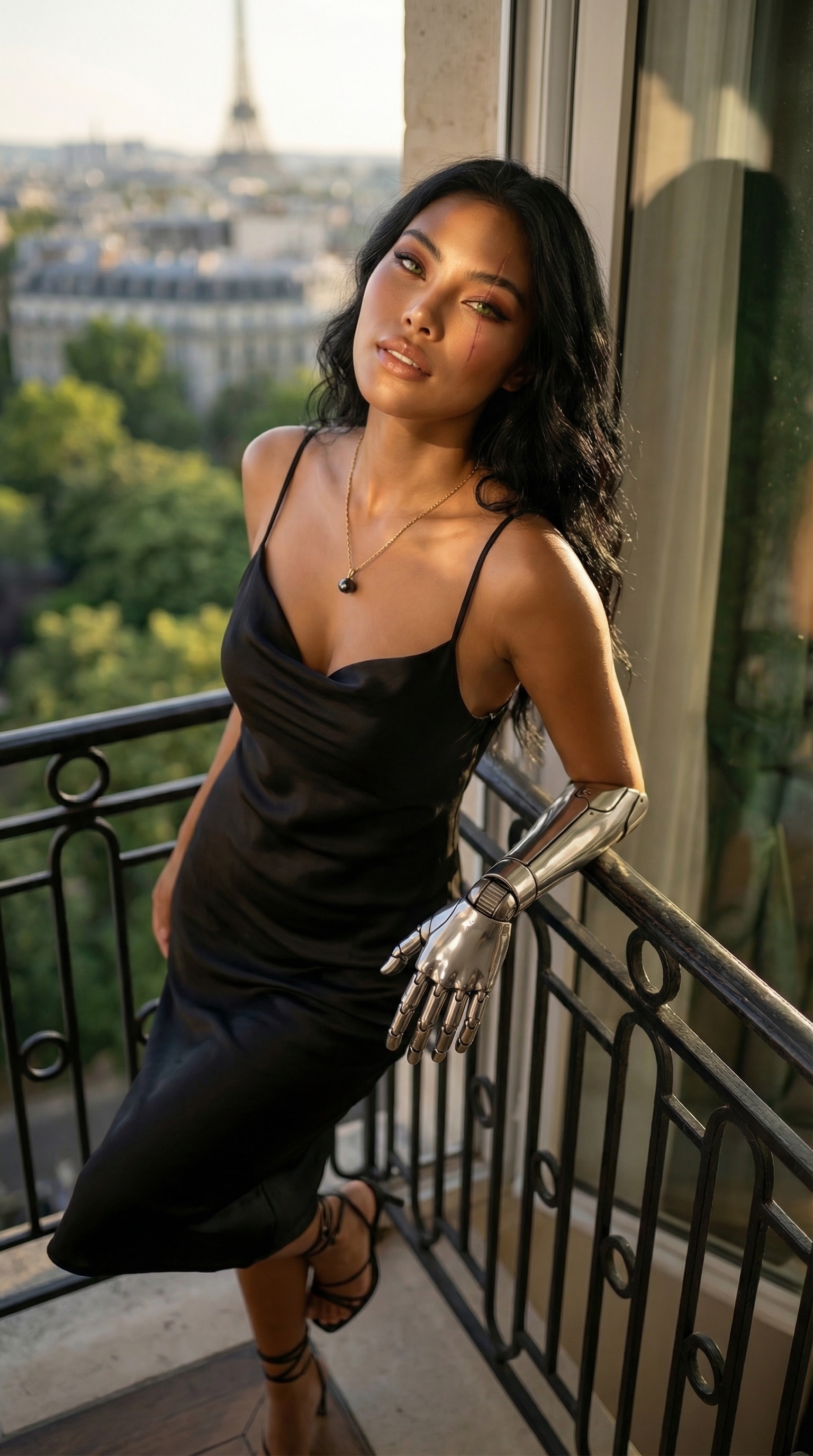
Each image links to the character's profile. The Studio — Technical Guide has the full showcase plus deeper documentation on every component.