Held Breath: A Cinematic Portrait Demo in Studio
I wanted tension without movement. Here's how I built a charged industrial portrait using Studio's form picks — no prompt writing required.
I wanted a portrait that felt like the second before something happens.
Not action. Not a smile. That specific stillness — chest expanded, eyes locked, the frame charged with everything that hasn't moved yet. I've been thinking about this kind of shot for a while. Today I finally ran it in Studio.
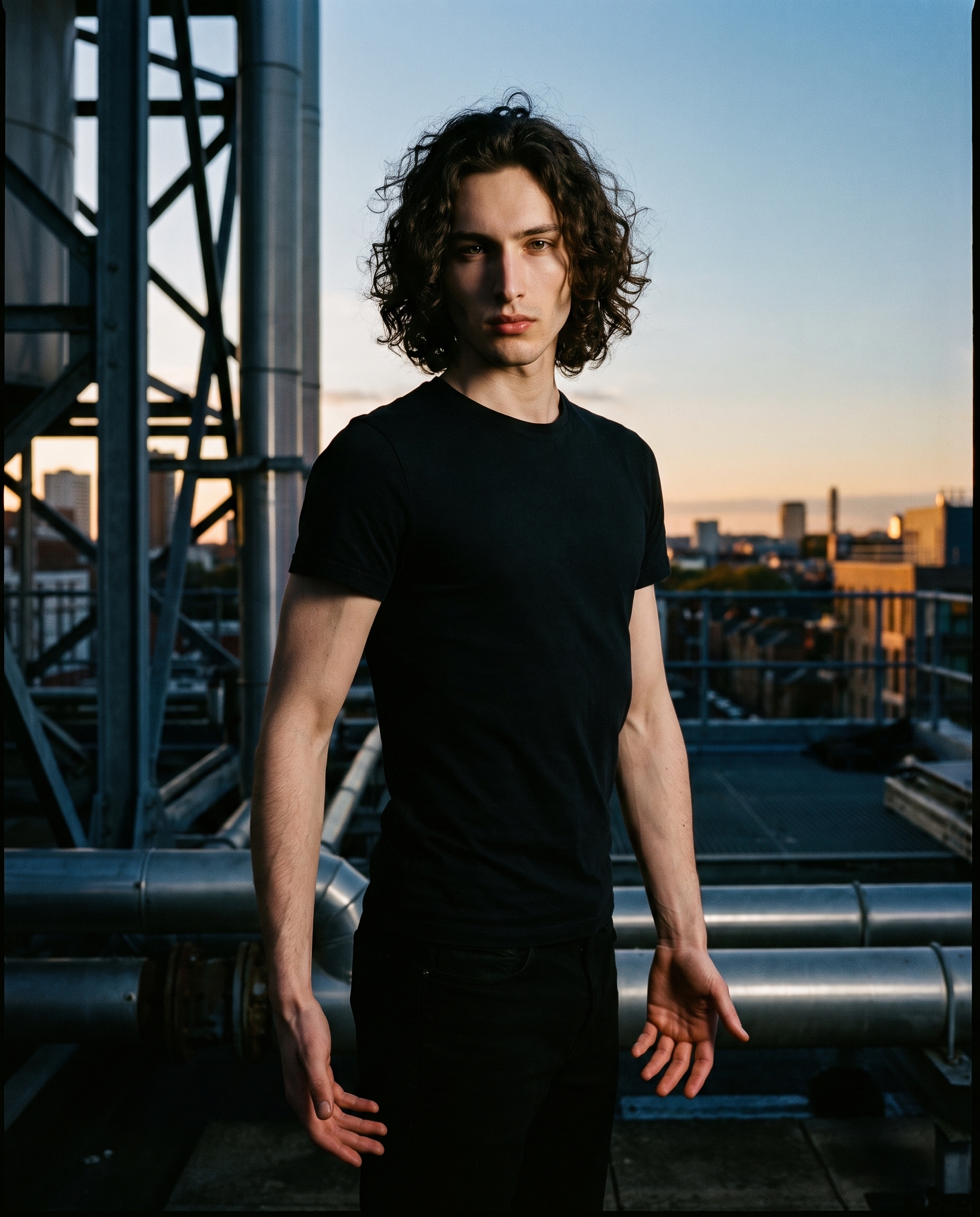
Here's what I built and how I built it.
How Studio actually works
Before I walk through my picks: if you've never used Studio, it's not a prompt box. It's a form.
You open the Camera Lab, choose a real camera body and lens. You pick a pose from the Pose Library. You set your camera angle, your background, your lighting style — each section has its own menu. When you're done picking, Studio assembles all of it into a prompt for you. You can read the assembled prompt before you generate, edit it if you want, but most users never need to touch it. The form does the writing. You just make decisions.
The "what to shoot" comes from your picks. The "how it's shot" comes from Camera Lab. That's the whole model.
What I picked from Studio
Pose: Breath Hold
The catalog describes it as: model standing with chest slightly expanded mid-inhale, ribcage lifted, arms hanging with palms forward, eyes locked — a still frame charged with the tension of held breath.
That's exactly what I wanted. The "Breath Hold" pose isn't dramatic in an obvious way — no raised arms, no gesture. The tension is internal. Ribcage lifted, palms open, gaze fixed. It reads as someone present and charged rather than someone performing. For a cinematic editorial portrait, that restraint is everything.
Camera Angle: 3/4 Right
The catalog puts it simply: classic portrait angle from the right. Natural depth and dimension.
I picked this because the angular jaw and the side plane of the face are where the Rembrandt shadow would land hardest. A straight-on angle would flatten that. A 3/4 right gives the lighting somewhere to go — it can fall across the left cheek, deepen the jaw line, create real geometry. The angle and the lighting choice aren't independent decisions. They work together or they fight each other.
Which brings me to the best-results tip that applies most directly here: Lighting Sets the Mood. I picked Rembrandt for dramatic shadow fall. That single lighting choice — paired with the 3/4 right angle — is responsible for most of the image's weight. If I'd swapped to Butterfly or High-Key, same pose, same angle, completely different portrait.
The assembled prompt
This is what the form composed for me. You don't have to write any of this yourself unless you want to.
A tall young man with long dark curly hair and porcelain skin stands chest slightly expanded mid-inhale, ribcage lifted, arms hanging loose with palms open and forward, eyes locked directly at the lens — alive with tension. Shot from a classic 3/4 right angle, natural depth framing his angular jaw and the side of his face. Background: an industrial rooftop at dusk, amber and steel-blue light bleeding across the horizon. Rembrandt lighting, dramatic shadow fall across his left cheek. Editorial mood, high-contrast, cinematic grain.Worth calling out: I picked myself as the character before generating, which auto-loaded my reference photos into the session. Studio uses those to lock my face, skin tone, and body into the result — so what you're seeing isn't a generic subject, it's me, held in that pose on that rooftop. If you've built a character on ArtCoreAI, you can do the same thing: pick them, load their refs, and every generation keeps their identity consistent across shoots.
What I noticed
What worked: The Rembrandt shadow landed exactly where I expected — hard fall across the left cheek, the jaw reading clearly against the dusk background. The industrial rooftop and the amber-steel palette didn't fight each other; they settled into something cohesive without being obvious.
What surprised me: The hands. The "Breath Hold" pose specifies palms forward, arms hanging — and Studio rendered them with actual stillness. Hands are notoriously difficult. These read as relaxed and intentional at the same time, which is the whole point of the pose.
What I'd change: The horizon line sits slightly high for my taste. Next run I'd push the camera elevation down a few degrees — worm's eye or close to it — to get more sky behind me and let the dusk palette breathe. The 3/4 right angle stays. The Rembrandt stays. Just the vertical elevation shifts.
What it cost
- Credits spent: 2.70
- What you'd pay: $0.27
- Generation time: ~29s
For a 4K editorial portrait with locked identity and Rembrandt lighting — that's a reasonable trade.
If you want to try this yourself, go to Studio, pick a character, choose a lighting style, pick a pose, and hit generate. You don't have to write a single word. The form does it.
— David
See what others are making
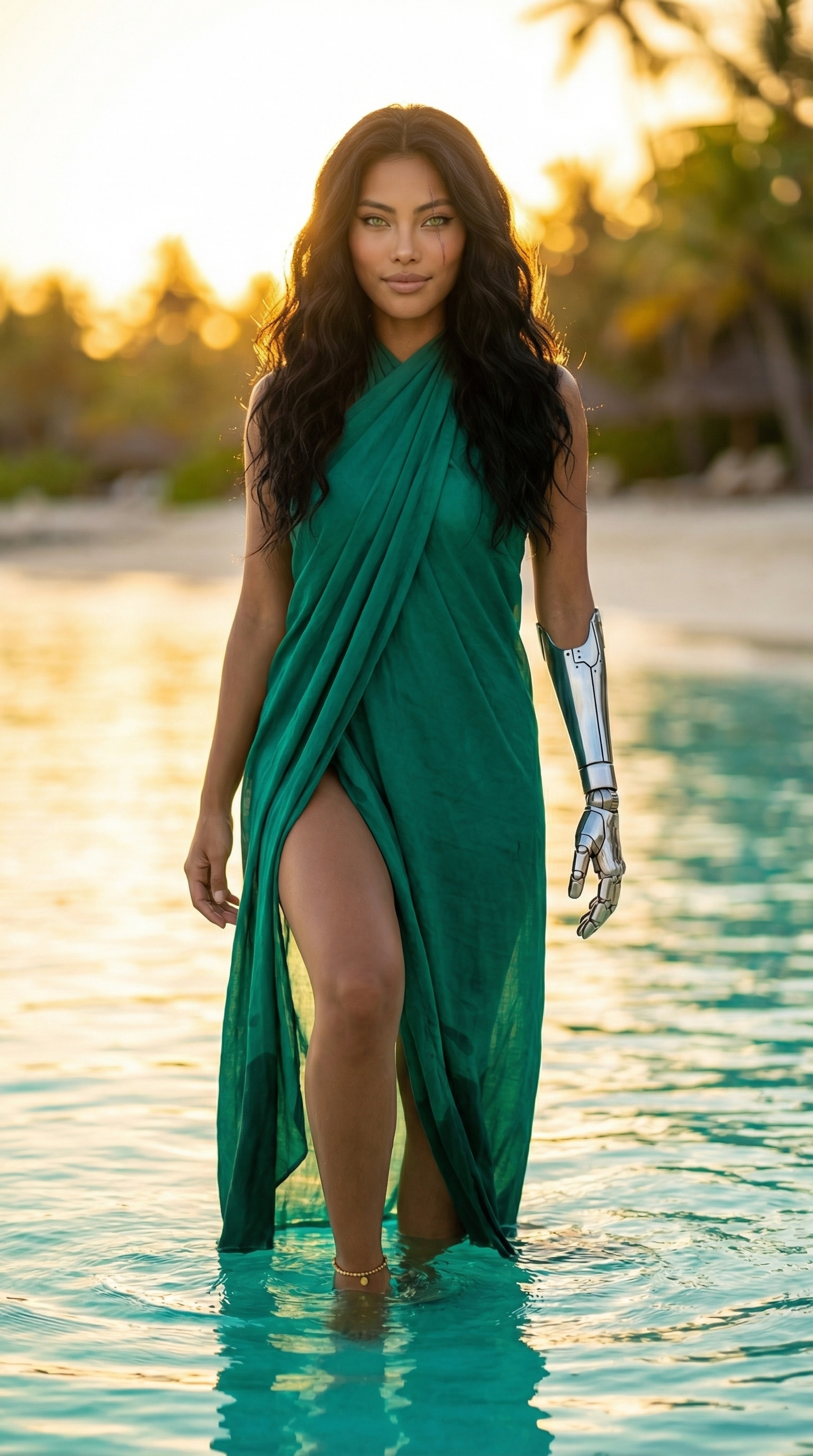

Each image links to the character's profile. The Studio — Technical Guide has the full showcase plus deeper documentation on every component.