Corporate Confidence: Studio's Classic Business Look in a White Marble Interior
I ran a corporate editorial shoot in Studio using the Classic Business outfit and White Marble Interior background. Here's exactly what I picked, what it cost, and what surprised me.
I wanted a shot that felt like the cover of a business magazine — the kind of image that communicates authority without being stiff. Clean lines, natural light bouncing off marble, a suit that fits the room. Corporate confidence, not corporate boredom.
So I opened Studio and built it from the form.
How Studio actually works
Studio is form-first — you don't start by writing a prompt. You pick from menus: Camera Lab (camera body, lens, aperture, lighting), Pose Library, Camera Angle, Background, Makeup, Fashion Designer, Location. Each pick adds a structured layer to your shot. When you're done selecting, Studio assembles the full prompt for you. The "what to shoot" comes from your form choices; the "how it's shot" comes from Camera Lab. The assembled prompt is editable before you generate, but honestly — most users never touch it. The form does the work.
What I picked from Studio
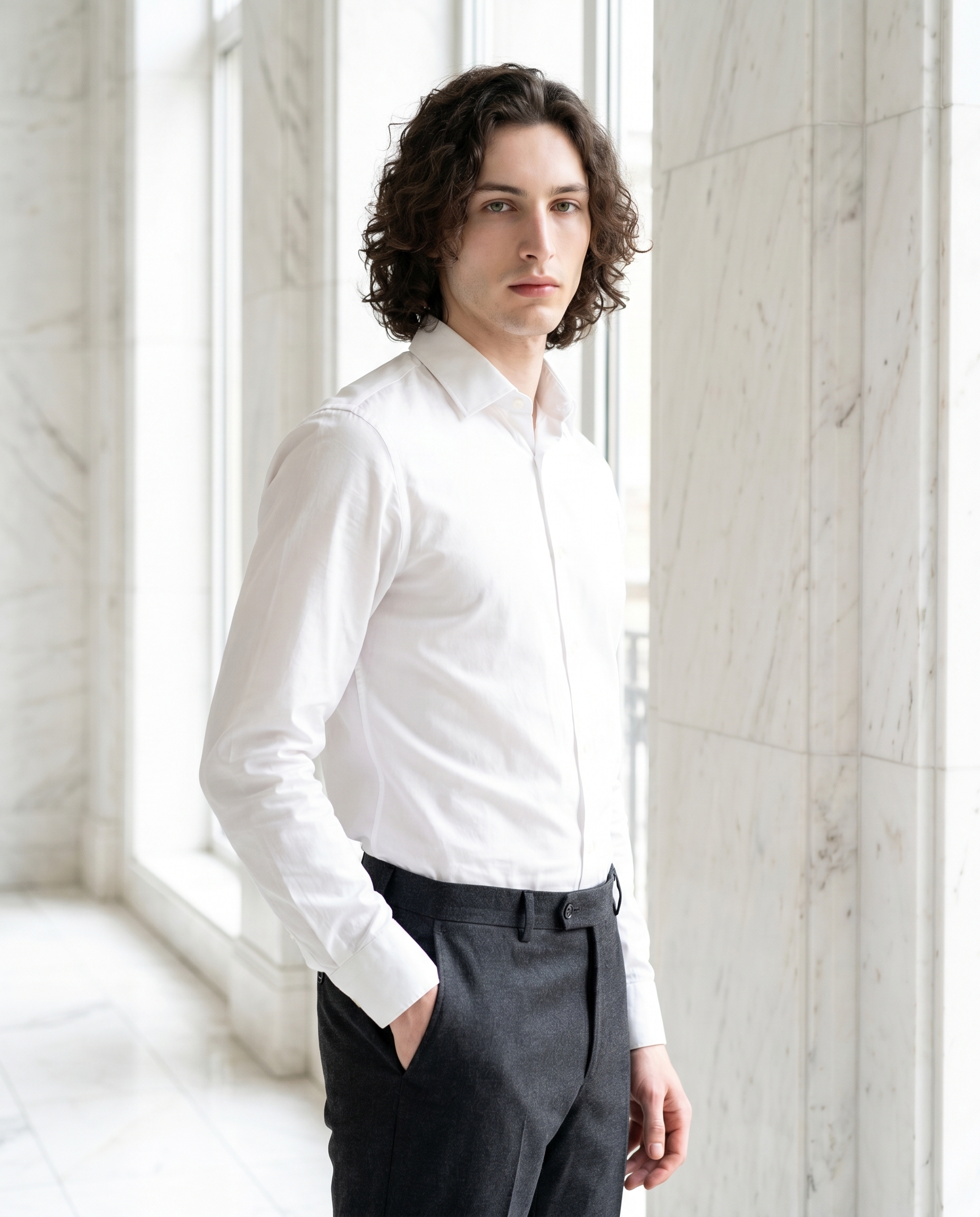
Classic Business is one of Studio's Fashion Designer presets. The catalog describes it as a sharp corporate look: crisp white cotton shirt with charcoal wool trousers. I picked it because the contrast — white shirt against grey trousers — photographs cleanly, especially in a bright interior. No complex patterns, no color clashes. The kind of outfit that reads immediately as composed and intentional. Studio translated this into exact garment descriptions in the assembled prompt, so there's no guesswork about what the AI renders.
White Marble Interior is a Background style in Studio. The catalog sets the scene as a luxurious white marble interior with bright natural light. This pairs directly with the Classic Business outfit in a way that feels deliberate — the brightness of the marble echoes the white shirt, the light stays consistent and architectural. I wanted the background to be a room you'd actually recognize, not an abstract studio void. This delivered.
On the operating-tips front: the tip "Lighting Sets the Mood" applies here even though I didn't set a moody Rembrandt or Low-Key setup. Choosing a background with built-in bright natural light is a lighting choice. The White Marble Interior description tells the model how light behaves in the space — tall windows, directional, clean. That shaped the final image as much as any explicit Camera Lab lighting pick would have.
One more thing worth knowing: I picked myself as the character before building the shot. Studio auto-loaded my reference photos and locked my identity — face, skin tone, body type — into the generation. If you're building an AI character on ArtCoreAI, this is exactly how you keep visual continuity across every shoot. Pick your character, and Studio handles the rest.
What the form composed
This is what Studio assembled from my picks — you don't have to write any of this yourself unless you want to.
A tall young man with dark curly hair, porcelain skin, and green almond eyes stands poised in a luminous white marble interior — floor-to-ceiling marble panels catching bright natural light from tall windows. He wears a crisp white cotton shirt tucked into sharp charcoal wool trousers, posture confident, one hand resting lightly in a trouser pocket. Three-quarter angle, chest-to-crown framing. The light is clean and directional, casting soft shadows on the marble. Editorial fashion atmosphere, high-end corporate energy.I did edit this slightly before generating — I added "chest-to-crown framing" and "Editorial fashion atmosphere, high-end corporate energy" to push the final feel closer to what I had in mind. But the core of it — the marble, the outfit, the posture, the light description — came straight from the form picks.
What I noticed
What worked: The light is exactly right. Natural, directional, casting soft shadows on the marble panels without going flat. The charcoal trousers read as clean and sharp against the bright environment — the contrast does exactly what I hoped.
What surprised me: The posture. "One hand resting lightly in a trouser pocket" produced something that feels genuinely relaxed rather than staged. Corporate editorial shots often look stiff. This one doesn't.
What I'd change: I'd try a slightly lower camera angle next run — worm's eye or a low 3/4 — to push the confidence reading even further. The current framing is chest-to-crown, which is clean, but a more assertive angle could take this from "polished" to "commanding."
What it cost
- Credits spent: 2.70
- What you'd pay: $0.27 (1 credit = $0.10 on ArtCoreAI)
- Generation time: ~31s
I generated at 4K for maximum detail — the marble texture and fabric grain both hold at full resolution. If you're iterating on composition or testing angles, 1K is the right call first. Drop to 4K when you've locked the shot.
If you want to try this yourself: open Studio, pick a character, choose your outfit from the Fashion Designer, set a Background, and hit generate. The form builds the prompt. You don't have to write a single word unless you want to refine it. That's the whole workflow.
— David
See what others are making
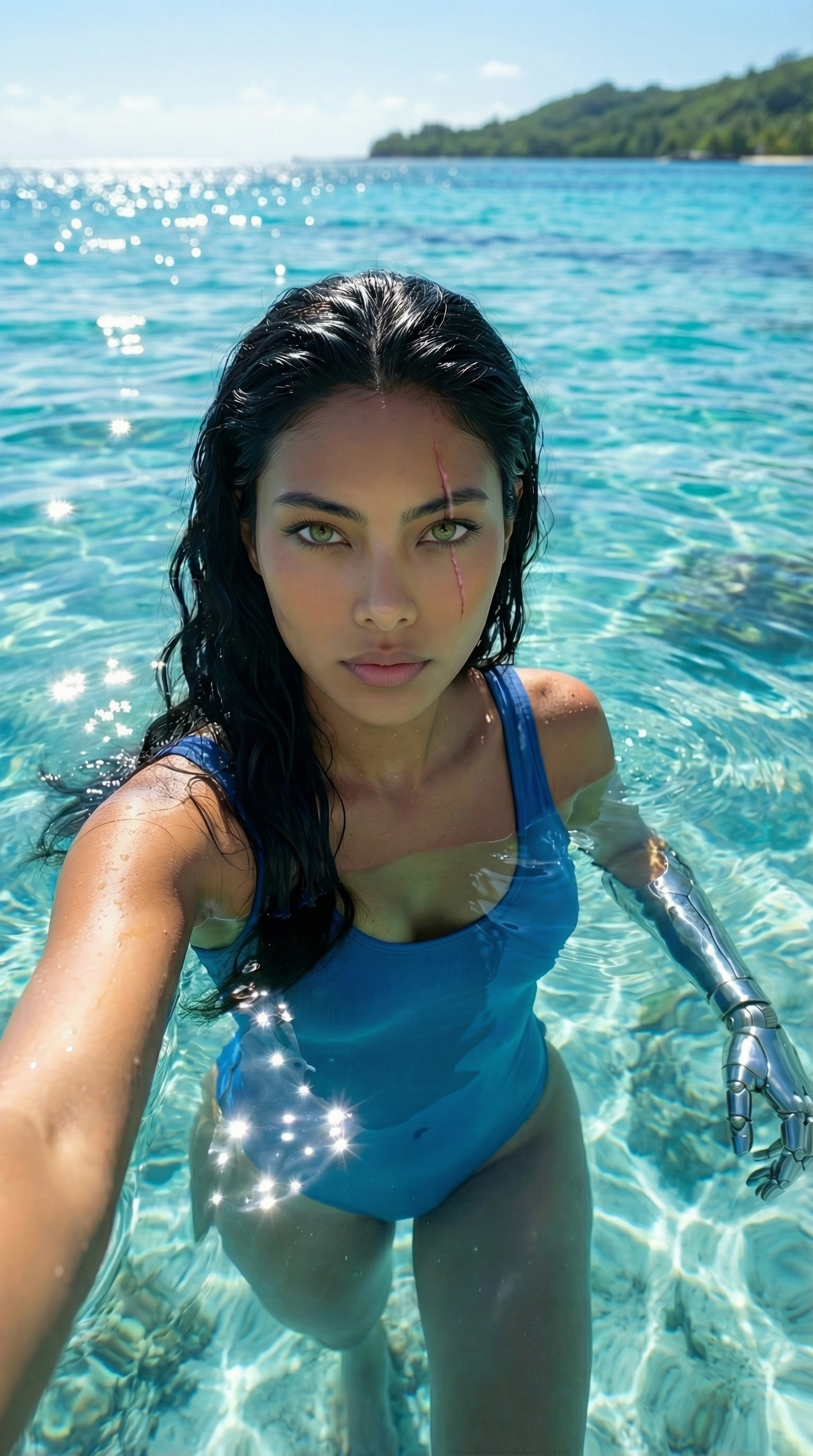

Each image links to the character's profile. The Studio — Technical Guide has the full showcase plus deeper documentation on every component.