Smart Casual Friday: A Relaxed Editorial Portrait in Studio
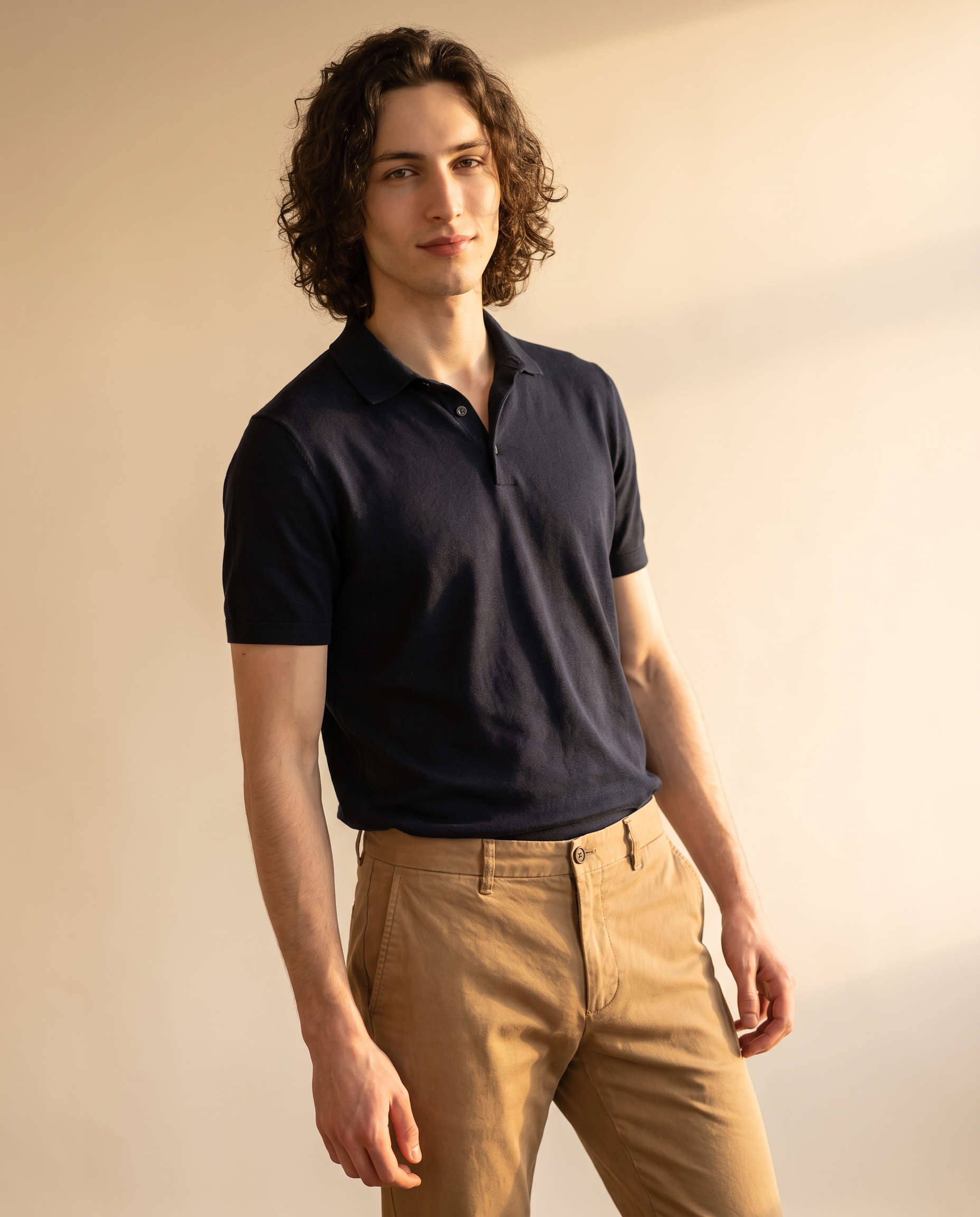
I ran a Smart Casual Friday shot in Studio — warm beige gradient, navy polo, tan chinos. Here's what I picked, what the form built, and what it cost.
Smart Casual Friday: A Relaxed Editorial Portrait in Studio
I wanted to make something that didn't try too hard.
Not a high-fashion plate. Not a dramatic cinematic frame. Just — a good portrait. The kind that feels like a Friday afternoon when the light is warm and nobody's rushing anywhere. Smart casual. Editorial without being stiff. I've been wanting to test how Studio handles ease — that specific quality where the subject looks comfortable rather than posed — so this was the angle.
Here's how it came together.
How Studio actually works
If you haven't used Studio before, the first thing to know is that you don't start by writing a prompt. You start by picking from menus.
Camera Lab. Pose Library. Camera Angle. Background. Makeup Artist. Fashion Designer. Location. Each section controls a different layer of the image. You make your picks, and Studio assembles a prompt for you — automatically, from the structured choices you just made. The assembled prompt is fully editable before you generate, but most users never need to touch it. The "what to shoot" comes from your form picks; the "how it's shot" comes from Camera Lab. You're directing the shot without writing a single line of prompt syntax.
What I picked from Studio
Warm Beige Fade — This is Studio's background preset: a soft warm beige-to-cream gradient backdrop with golden side light. I chose it because I wanted the scene to feel sun-warmed without committing to a full outdoor location. A gradient backdrop keeps all the visual attention on the subject — no competing textures, no busy environment — while the golden side light does the atmospheric heavy lifting. The effect in the result is exactly what I was after: the background doesn't fight for attention, it just wraps the frame in warmth.
This ties directly to one of Studio's best-results principles: Lighting Sets the Mood. The "Warm Beige Fade" isn't just a background color — it's a lighting decision. Golden side light is doing the same work that a Rembrandt or Butterfly setup does in Camera Lab: shaping the mood before you've touched anything else.
Smart Casual Friday — Studio's outfit preset, described as: polished but relaxed — a deep navy polo shirt tucked loosely into well-fitted tan chinos. I picked this because it matched exactly the register I was going for. Navy and tan is a combination that reads "has his life together" without reading "has a stylist." The loose tuck is doing a lot of work in that sentence — it's the detail that keeps the outfit from looking stiff. When I look at the result, the outfit landed exactly as described: the navy reads rich against the warm background, and the chinos give the frame a clean, grounded base.
One more thing worth knowing
Before I hit generate, I selected myself as the character — which auto-loaded my reference photos into the session and locked my identity into the result. Studio does this automatically when you pick a character: face, body type, skin tone, all of it anchors to the reference images. You can do the same with any character you've built on the platform. Load your character, pick your components, generate — the model maintains visual continuity without you having to describe the face in the prompt at all.
The assembled prompt
This is what the form composed for me — you don't have to write any of this yourself unless you want to.
A tall young man with dark curly hair, porcelain skin, and angular jaw stands relaxed in a polished-but-casual look: a deep navy polo shirt tucked loosely into well-fitted tan chinos. The background is a soft warm beige-to-cream gradient that catches golden side light, wrapping the scene in a sunlit afternoon warmth. Upper body portrait framing, 3/4 angle, natural confident posture, slight lean against nothing — just ease. The mood is editorial Friday: effortless, clean, warm.What I noticed
The gradient did more than I expected. I've run studio seamless backgrounds before and they tend to flatten the image. The "Warm Beige Fade" with golden side light actually creates a sense of dimension — there's a subtle directionality to the light that gives the portrait depth without any additional lighting setup in Camera Lab. I wasn't expecting that from a background preset alone.
The outfit landed. The navy-to-tan contrast against the warm beige background is clean. Nothing is competing. That's the result I wanted and it's what the form delivered.
What I'd change next run: I'd push the camera angle lower — a slight worm's eye elevation would give this portrait more presence without losing the relaxed quality. Studio's Camera Angle component lets you dial that in precisely with azimuth, elevation, and distance sliders on a 3D globe, or just pick from 12 presets. Next time.
What it cost
- Credits spent: 2.70
- What you'd pay: $0.27
- Generation time: ~28s
That's a 4:5 editorial portrait, ready for social, for less than thirty cents and under thirty seconds.
If you want to run your own version — pick a background, pick an outfit, load your character — Studio is at /app/studio. You don't need to write a prompt. Pick a background style, pick an outfit preset, pick a camera angle, hit generate. The form does the rest.
— David
See what others are making

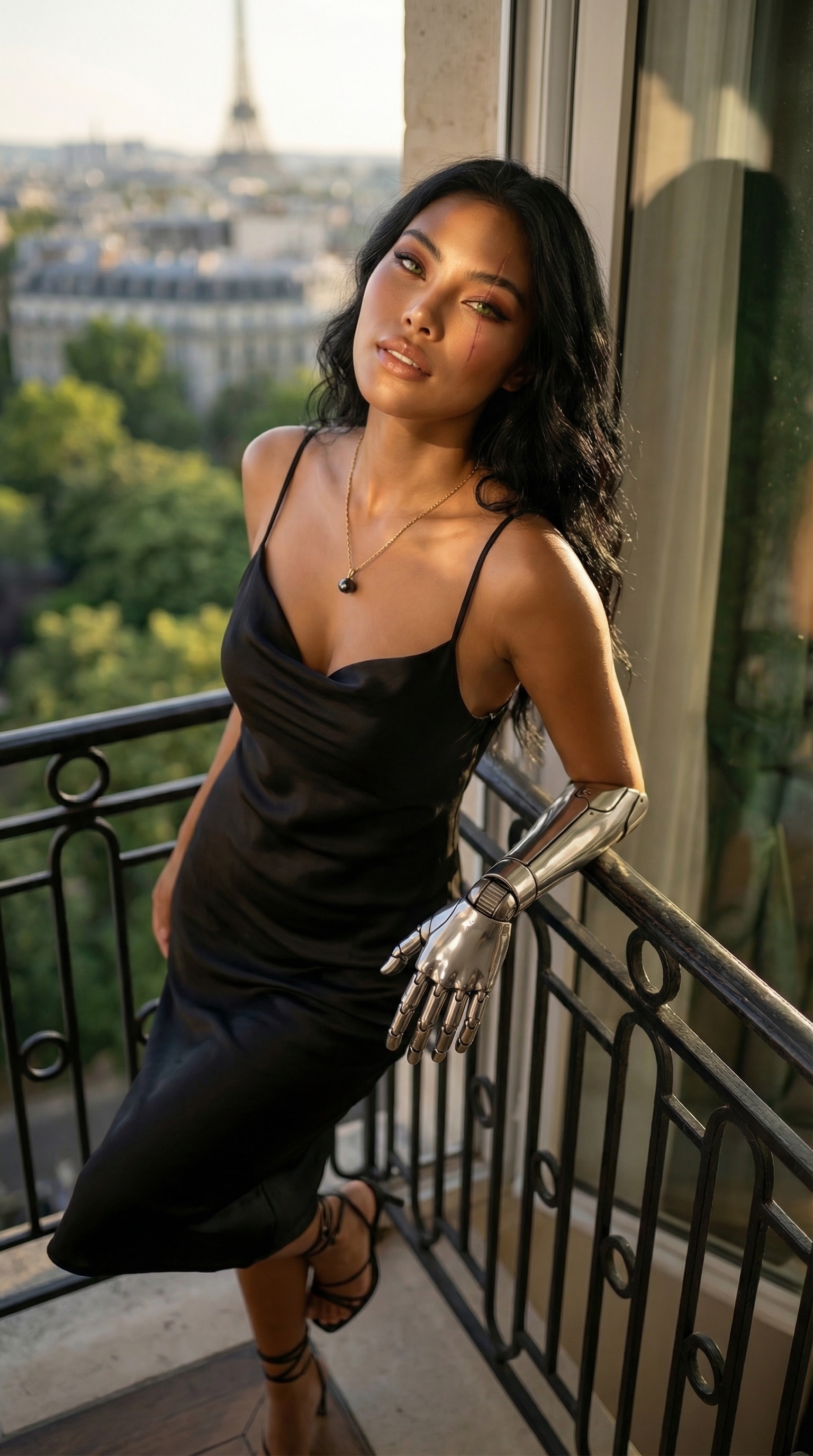
Each image links to the character's profile. The Studio — Technical Guide has the full showcase plus deeper documentation on every component.