Elements — Technical Guide
قم بتدريب الذكاء الاصطناعي للتعرف على شخصيتك أو كائنك أو زيك بشكل دائم - قم بتحميل صور مرجعية مرة واحدة، ثم استخدمها بالاسم في أي فيديو أو توليد صورة من كليغ
قم بتدريب الذكاء الاصطناعي للتعرف على شخصيتك أو كائنك أو زيك بشكل دائم - قم بتحميل صور مرجعية مرة واحدة، ثم استخدمها بالاسم في أي فيديو أو توليد صورة من كليغ
Elements هي مكتبة شخصياتك وكائناتك. بدلاً من تحميل نفس الصور المرجعية في كل مرة تقوم فيها بإنشاء محتوى، تقوم بتدريب الذكاء الاصطناعي مرة واحدة - قم بتحميل بعض الصور لشخص أو كائن أو زي أو مشهد - ويتعلم الذكاء الاصطناعي كيف يبدو. من تلك النقطة فصاعدًا، يمكنك فقط الإشارة إلى العنصر بالاسم في مطالباتك ويعرف الذكاء الاصطناعي بالضبط ما يجب توليده.
يتوفر وضعان للتدريب. يسمح لك وضع صورة المرجع بتحميل صورة أمامية واحدة بالإضافة إلى 3 زوايا إضافية - يتعلم الذكاء الاصطناعي المظهر البصري ويمكنه إعادة إنتاجه عبر أي توليد. يسمح لك وضع فيديو المرجع بتحميل مقطع فيديو قصير (من 3 إلى 8 ثوانٍ) - يتعلم الذكاء الاصطناعي كل من المظهر وأسلوب الحركة، ويمكنه حتى استخراج الصوت تلقائيًا إذا كان الشخص يتحدث في المقطع.
بمجرد إنشاء عنصر، فإنه يعمل في كل مكان عبر نظام كليغ البيئي. في Omni Image، أشر إليه كـ <<<element_name>>> في مطالبتك النموذجية. في Kling Video، أشر إليه بنفس الطريقة. يحمل العنصر هوية متسقة عبر جميع الأجيال - نفس الوجه، نفس النسب، نفس الميزات المميزة - دون الحاجة إلى تحميل الصور مرة أخرى.
تساعدك العلامات في تنظيم مكتبتك حسب النوع: شخصية، حيوان، عنصر، زي، مشهد، أو تأثير. إنشاء العناصر مجاني - تنطبق التكاليف فقط عند استخدامها في توليد الصور أو الفيديو.
✦ Best Results Tips
👤
الصورة الأمامية الواضحة ضرورية
يجب أن تكون الصورة الأولى لقطة أمامية نظيفة ومضاءة جيدًا - الوجه ينظر مباشرة إلى الكاميرا دون أي عوائق. هذه هي المرجع الأساسي الذي يستخدمه الذكاء الاصطناعي لتعلم الهوية. كل شيء آخر يبنى على هذه الصورة.
📐
أضف زوايا متعددة
قم بتحميل ما يصل إلى 3 صور إضافية من زوايا مختلفة - ملف جانبي، عرض ثلاثي الأرباع، قليلاً من فوق أو أسفل. توفر المزيد من الزوايا للذكاء الاصطناعي فهمًا أكثر شمولاً للوجه والجسم من كل اتجاه.
🎬
مرجع الفيديو للحركة والصوت
إذا كنت تريد من الذكاء الاصطناعي أن يتعلم كيف تتحرك الشخصية وتبدو، استخدم وضع مرجع الفيديو. قم بتحميل مقطع قصير من 3 إلى 8 ثوانٍ للشخص يتحدث أو يتحرك - يستخرج الذكاء الاصطناعي المظهر، وأسلوب الحركة، والصوت معًا.
🏷️
استخدم أسماء وصفية
امنح عنصرك اسمًا واضحًا وسهل التذكر - مايفا، فستان أحمر، مشهد على الشاطئ - وليس element_001. ستكتب هذا الاسم في المطالبات عبر أدوات أخرى، لذا يجب أن يكون سهل التذكر والكتابة.
♻️
إنشاء مرة واحدة، استخدام في كل مكان
يعمل العنصر في Omni Image و Kling Video. درب شخصيتك كعنصر ولن تحتاج أبدًا إلى إعادة تحميل الصور المرجعية - فقط اكتب <<<element_name>>> في أي مطالبة لتضمينها.
🆓
مجاني للإبداع
إنشاء وإدارة العناصر لا يكلف شيئًا. تدفع فقط اعتمادات عندما تقوم بتوليد صور أو فيديوهات تستخدم العنصر. قم ببناء مكتبة شخصياتك بالكامل دون إنفاق أي شيء.
Elements — Available Models
custom-elements
Creates reusable character/object reference assets.
📥
You Give
📝Text Prompt
👤Face Reference Image
👕Clothing Reference (optional)
🎨Style Reference (optional)
🎬Video Reference (optional)
🔊Voice / Sound (optional)
Element types
Character
Animal
Item
Costume
Scene
Effect
📌
Image reference (1 frontal + 3 angles)
Reference mode
📌
Video reference (3-8s, 1080p)
Reference mode
Features
Voice auto-extraction from video
Persistent library
Cross-tool references
💰 Elements — Pricing
Estimated cost
—
Failed jobs are automatically refunded
Take full control of your video's composition. This guide shows how to use the "Elements" feature with 1-4 images for character consistency and multi-subject interactions.
The Elements feature is now available with the Kling AI 1.6 model for Image to Video generation! Upload 1–4 images, select the subjects (people, animals, objects, or scenes) in the images as elements, and describe their actions and interactions. A video will be created based on the elements and the prompt.
Compared with Text to Video generation, the Elements feature allows more creative control so that you can decide the elements to keep consistent in the video. Compared with the Frames feature, the Elements feature is more flexible with more references than the content in the Start / End Frame. With Elements, you can explore more possibilities by putting a subject in different scenes, or having multiple subjects interact with each other!
Using Elements for character consistency
Upload one or multiple images as elements of a subject (person, character, animal, object, etc.), and a video will be created based on the image references with a consistent style. This can be particularly useful to achieve consistent looks on a character across different shots.
In addition, you can also set scenes or clothing as elements, and specify the actions in the prompt, to make the subject look and move in a certain way, in a certain scene. This allows for more creative control in your work.
Elements
Result
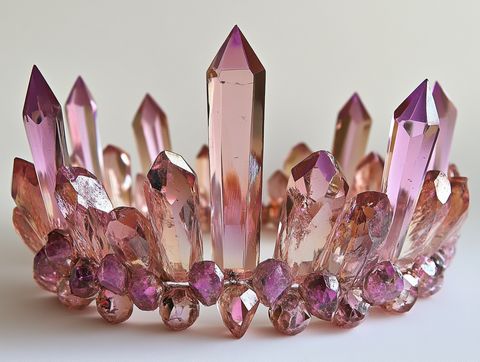
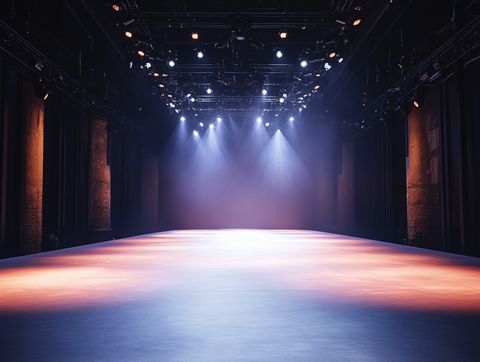
Prompt: On the stage @element3, a girl wearing fashionable clothes @element1 and a crystal crown @element2 calmly gazes at the camera.
Elements
Result
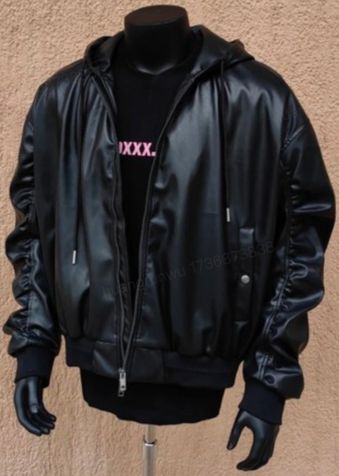
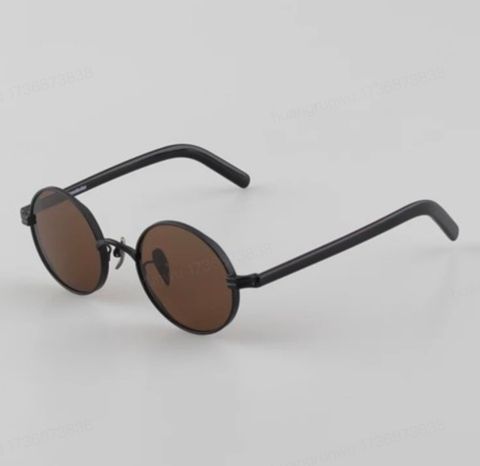
Promt: A standing cat @element1 character wearing a jacket @element2 and sunglasses @elemen3 strikes a pose towards the camera on the stage.
Elements
Results
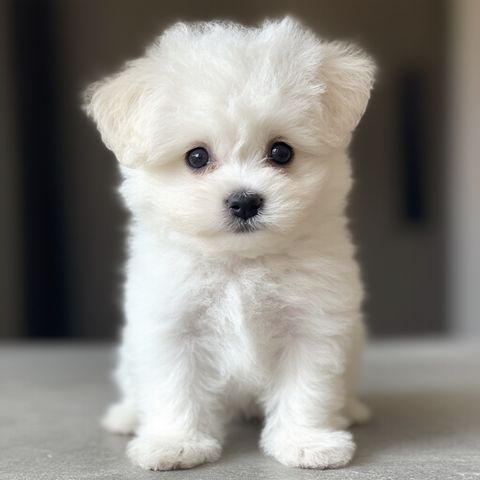
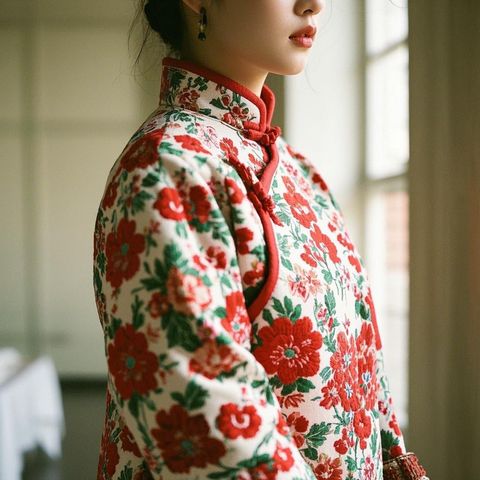
Prompt: A white Bichon Frisé @element1 wearing a red floral Chinese-style winter @element2 coat licks its paw.
Elements
Result
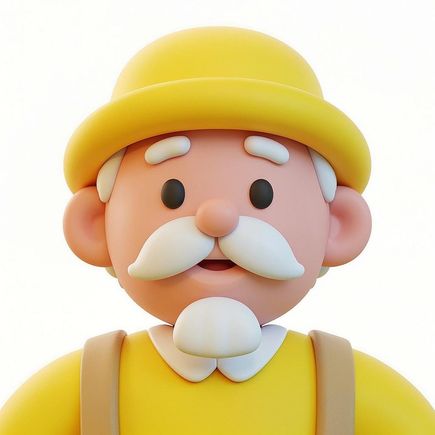
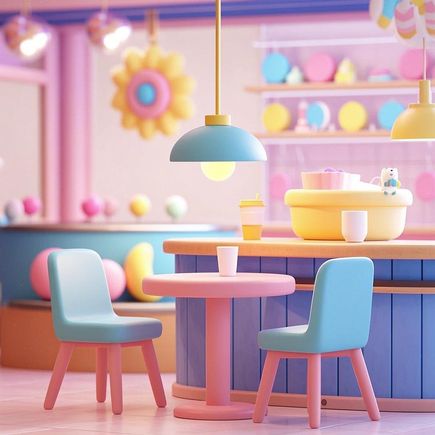
Prompt: In a café @element1, a cartoon-style elderly man @element2 lifts a cup @element3 to drink coffee.
Using Elements for interactions between characters
Upload images of multiple subjects (people, animals, objects, etc), and describe their interactions.
Elements
Result
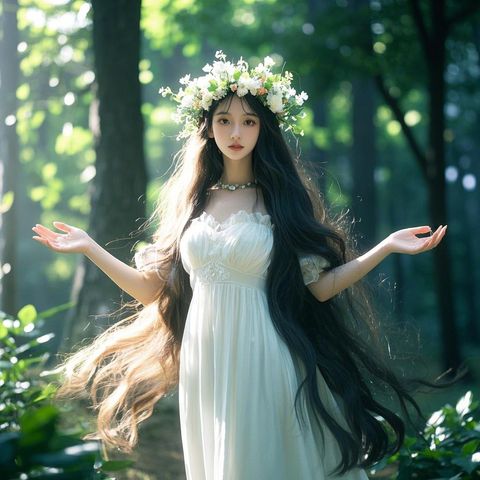
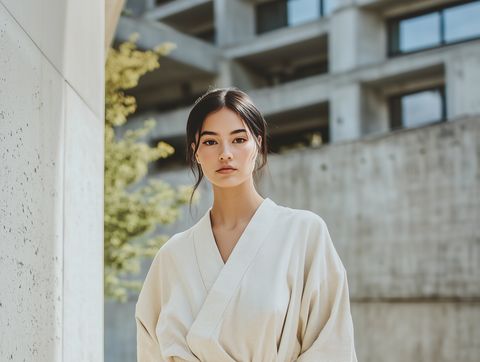
Prompt: Two girls @element1 @element2 hug each other.
Elements
Result
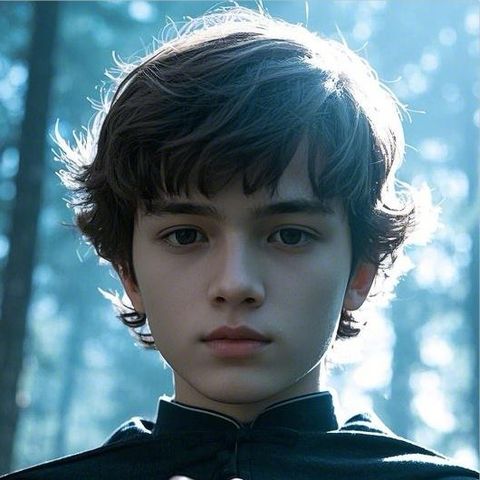
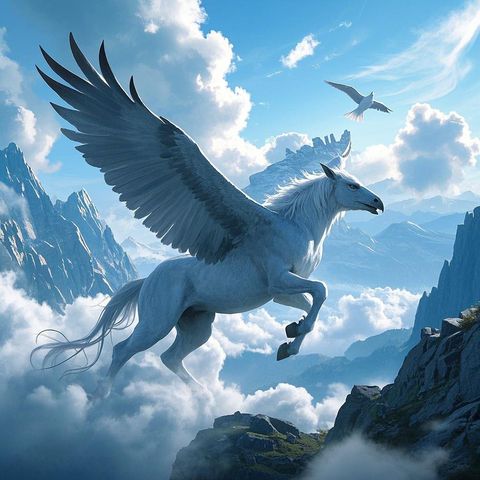
Prompt: A boy @element# rides a Pegasus @element2 , soaring through the air, in a magical style.
Elements
Result
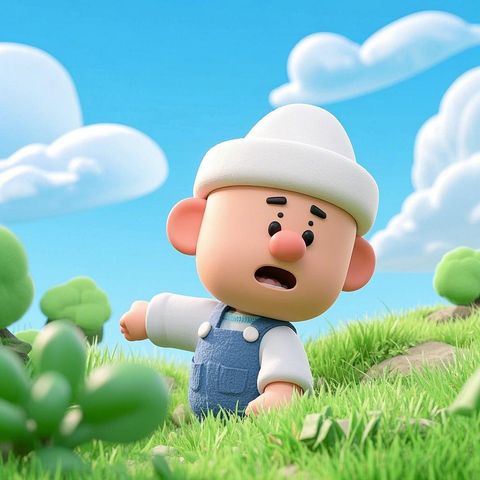
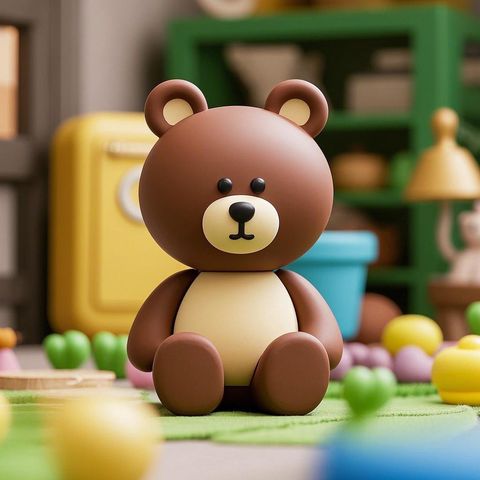
Prompt: A cartoon character @element1 wearing a white hat, and a cartoon-style bear @element2 , sitting side by side, wave and nudge at each other.